Deals Pipeline Board React component
A CRM sales pipeline: open pipeline, weighted forecast, won and win-rate tiles, owner filters, Lead → Qualified → Proposal → Negotiation → Won columns with totals and win probability, deal cards with value, owner and close date (stale ones flagged), drag and drop with a lost drop zone, a celebration burst on won deals, keyboard moves and undo.
About the Deals Pipeline Board component
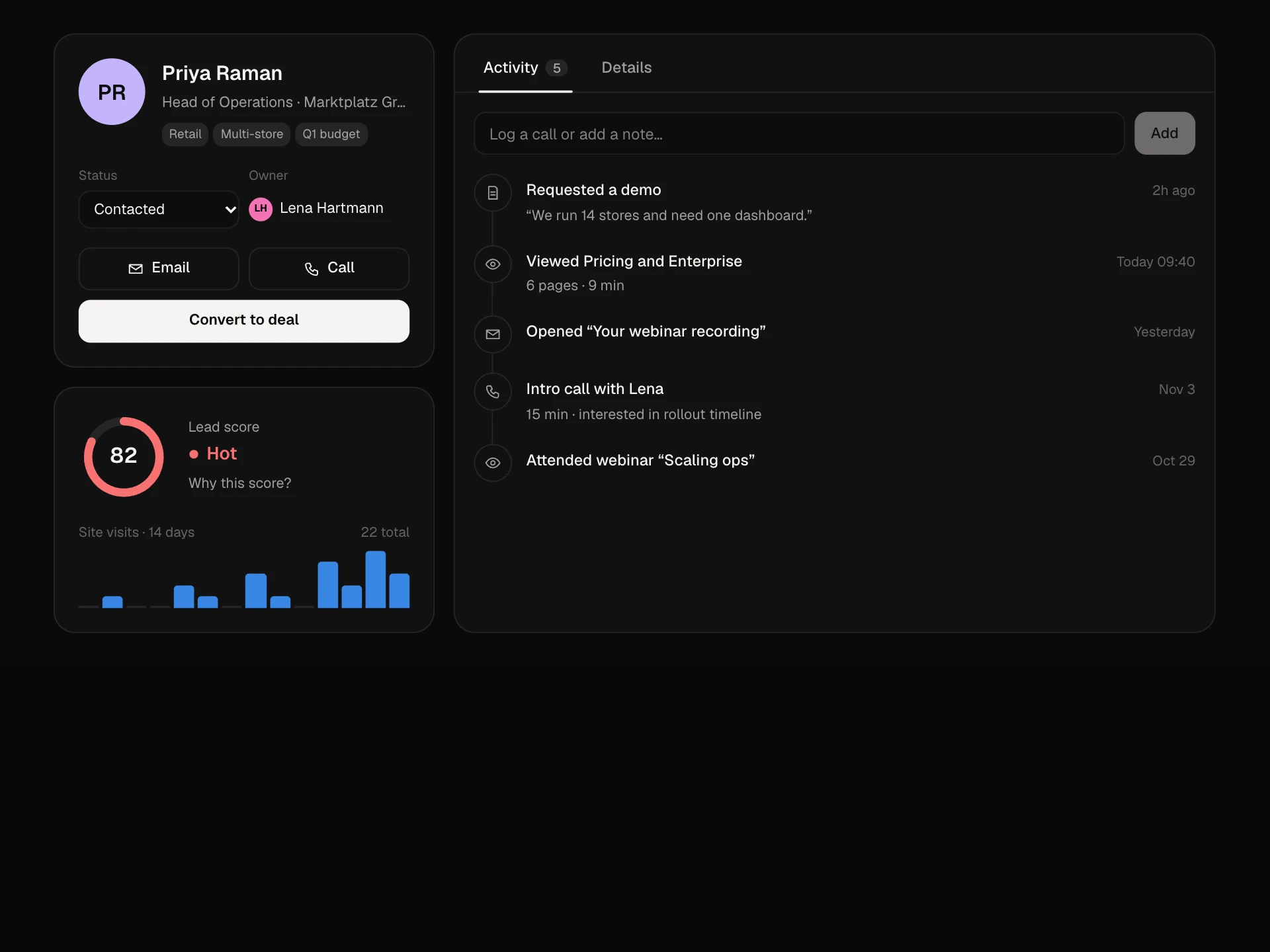
Deals Pipeline Board is the everyday screen of a CRM. It shows every open deal by stage with the money that matters: stage totals, win probability and a weighted forecast that updates as deals move.
Sales reps drag deals forward, drop them on Won for a small celebration or on the lost zone that appears while dragging, and undo anything from the toast. Owner filters focus the board on one person, and stale deals are flagged so nothing quietly slips.
When to use it
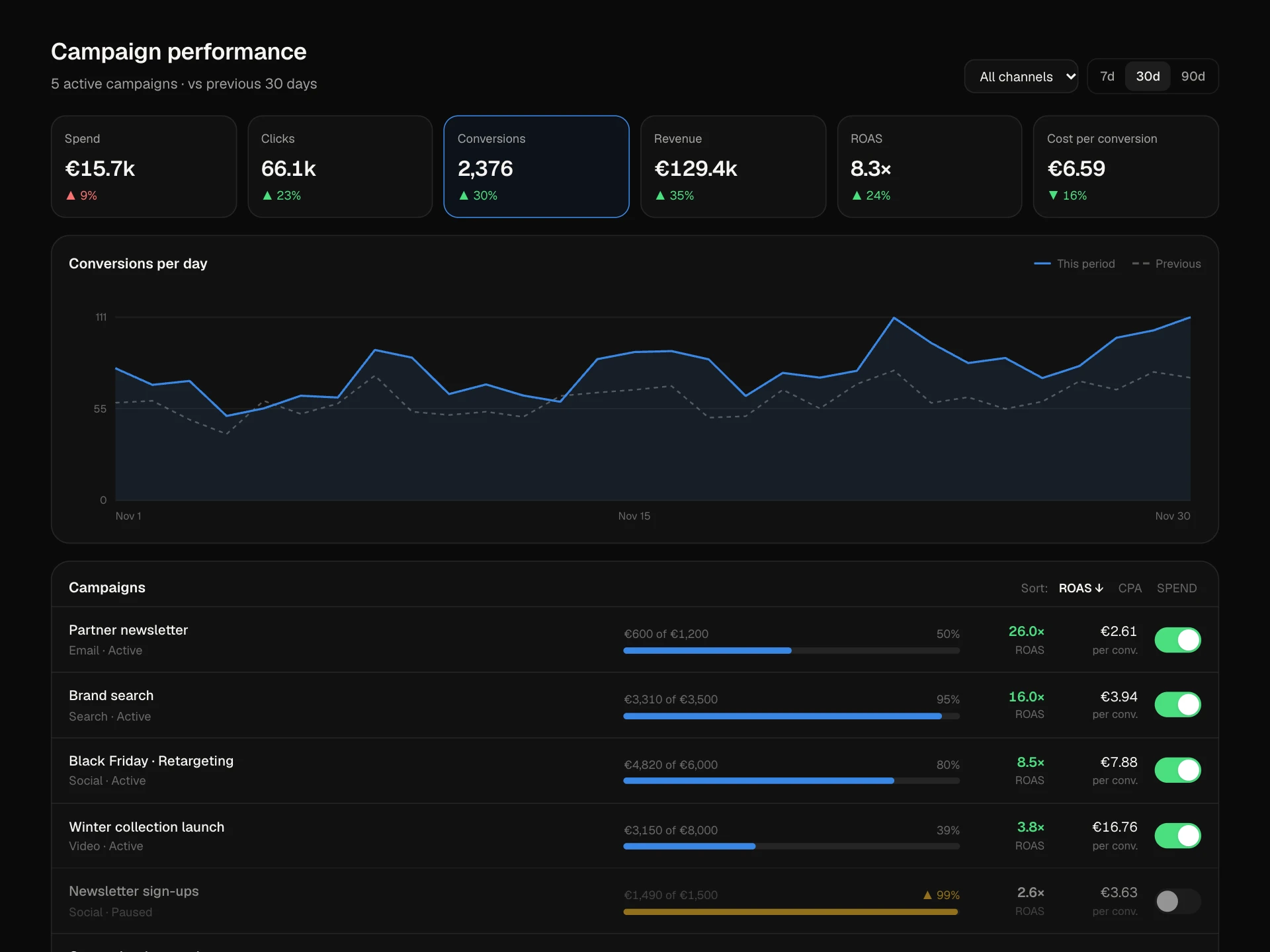
Use it in CRM, sales and revenue tools, or any pipeline where items carry a value and a probability.
For recruiting use the Hiring Pipeline Board; for a single customer's details use the Lead Profile Panel.
Installation
Add the Deals Pipeline Board component to your project with the shadcn CLI. It lands in components/deals-pipeline-board.tsx as plain React + Tailwind CSS source you own and can edit.
npx shadcn@latest add @reactframe/deals-pipeline-boardOr copy the source by hand and install its dependencies:
npm install motion clsx tailwind-mergeProps
<DealsPipelineBoard /> accepts 5 props, all optional.
| Prop | Type | Default |
|---|---|---|
| deals | Deal[] | DEALS |
| currency | string | "€" |
| onMove | (id: string, stage: DealStage | "lost") => void | — |
| theme | "dark" | "light" | "dark" |
| className | string | — |
- dealsDeal[]Default: DEALS
- currencystringDefault: "€"
- onMove(id: string, stage: DealStage | "lost") => void
- theme"dark" | "light"Default: "dark"
- classNamestring
npm dependencies
Installed for you by the shadcn CLI.
Deals Pipeline Board FAQ
- How is the weighted forecast calculated?
- Each open deal's value times its stage probability (10%, 25%, 50%, 75%), summed. Adjust prob in STAGES to match your historical win rates.
- How do I mark a deal as lost?
- Start dragging and drop it on the dashed zone that appears under the board. onMove receives 'lost', and the deal leaves the board with Undo available.
- Does drag and drop work on phones?
- Touch doesn't start drags so the board can scroll sideways. On keyboards, focus a card and use Shift + ← / →; add a menu for touch if your users move deals on phones.
- What counts as stale?
- Whatever you pass as stale, for example no activity for 14 days. Stale cards show their close date in amber with an arrow.
- Is it accessible?
- Columns are labelled groups with totals, cards are focusable with full labels and keyboard moves, owner filters are toggle buttons, and toasts are announced. Color is never the only signal.