Lead Profile Panel React component
A CRM lead detail screen: contact header with tags, status and owner, email / call actions, convert-to-deal inline form, a lead score ring with Hot / Warm / Cold and an explainable factor breakdown, a 14-day visits bar chart, and an activity timeline with note logging plus a details tab.
About the Lead Profile Panel component
Lead Profile Panel is what a sales rep opens before reaching out. It shows who the person is, how warm the lead is and everything they've done recently, so the next message can be relevant instead of generic.
The lead score is explainable: one click shows exactly which signals added or removed points. Notes, calls and status changes land in the timeline, and converting the lead to a deal happens right in the card.
When to use it
Use it as the lead or contact detail page in CRM, marketing automation and sales engagement tools.
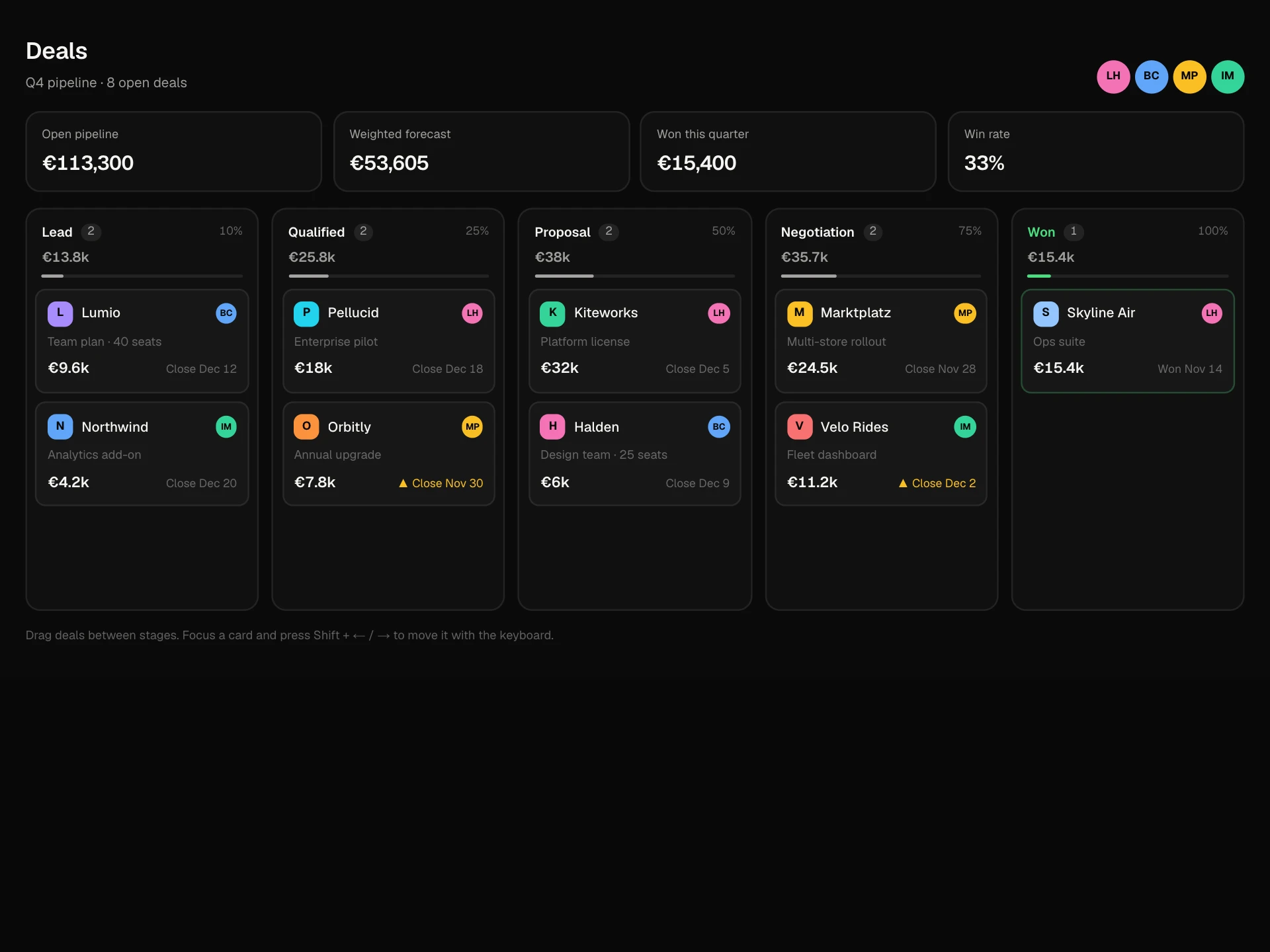
For the whole pipeline use the Deals Pipeline Board; for a lightweight person card use the Member Profile Card.
Installation
Add the Lead Profile Panel component to your project with the shadcn CLI. It lands in components/lead-profile-panel.tsx as plain React + Tailwind CSS source you own and can edit.
npx shadcn@latest add @reactframe/lead-profile-panelOr copy the source by hand and install its dependencies:
npm install motion clsx tailwind-mergeProps
<LeadProfilePanel /> accepts 5 props (required ones are marked *).
| Prop | Type | Default |
|---|---|---|
| lead | object | LEAD |
| lead.name* | string | — |
| lead.title* | string | — |
| lead.company* | string | — |
| lead.email* | string | — |
| lead.phone* | string | — |
| lead.location* | string | — |
| lead.source* | string | — |
| lead.companySize* | string | — |
| lead.status* | "new" | "contacted" | "qualified" | "unqualified" | — |
| lead.owner* | string | — |
| lead.tags* | string[] | — |
- leadobjectDefault: LEAD
- lead.name*string
- lead.title*string
- lead.company*string
- lead.email*string
- lead.phone*string
- lead.location*string
- lead.source*string
- lead.companySize*string
- lead.status*"new" | "contacted" | "qualified" | "unqualified"
- lead.owner*string
- lead.tags*string[]
Show all 19 propsShow fewer
| lead.score* | { total: number; factors: { label: string; points: number }[] } | — |
| lead.visits* | number[] | — |
| lead.activity* | { id: string; kind: "email" | "visit" | "form" | "call" | "note"; text: string; detail?: string; when: string }[] | — |
| currency | string | "€" |
| onConvert | (deal: { value: number; stage: string }) => void | — |
| theme | "dark" | "light" | "dark" |
| className | string | — |
- lead.score*{ total: number; factors: { label: string; points: number }[] }
- lead.visits*number[]
- lead.activity*{ id: string; kind: "email" | "visit" | "form" | "call" | "note"; text: string; detail?: string; when: string }[]
- currencystringDefault: "€"
- onConvert(deal: { value: number; stage: string }) => void
- theme"dark" | "light"Default: "dark"
- classNamestring
npm dependencies
Installed for you by the shadcn CLI.
Lead Profile Panel FAQ
- How should I compute the score?
- Any way you like; pass the total and the factors that explain it. Keep factors short and concrete ('Visited pricing 4×') so reps trust the number.
- Where do notes and status changes go?
- They're prepended to the local activity list. Save them through your API where addNote and changeStatus update state.
- What happens on Convert to deal?
- onConvert receives { value, stage }. The card shows a confirmation, status becomes Qualified and a timeline entry is added.
- Can I add more tabs?
- Yes. Add an id to the tabs array and a matching panel, for example Emails or Files.
- Is it accessible?
- Status is a labelled select, the score ring and visits chart have text labels, heat uses a word as well as color, the score breakdown is an expandable region, tabs are real tabs, and toasts are announced.