Password Strength Meter React component
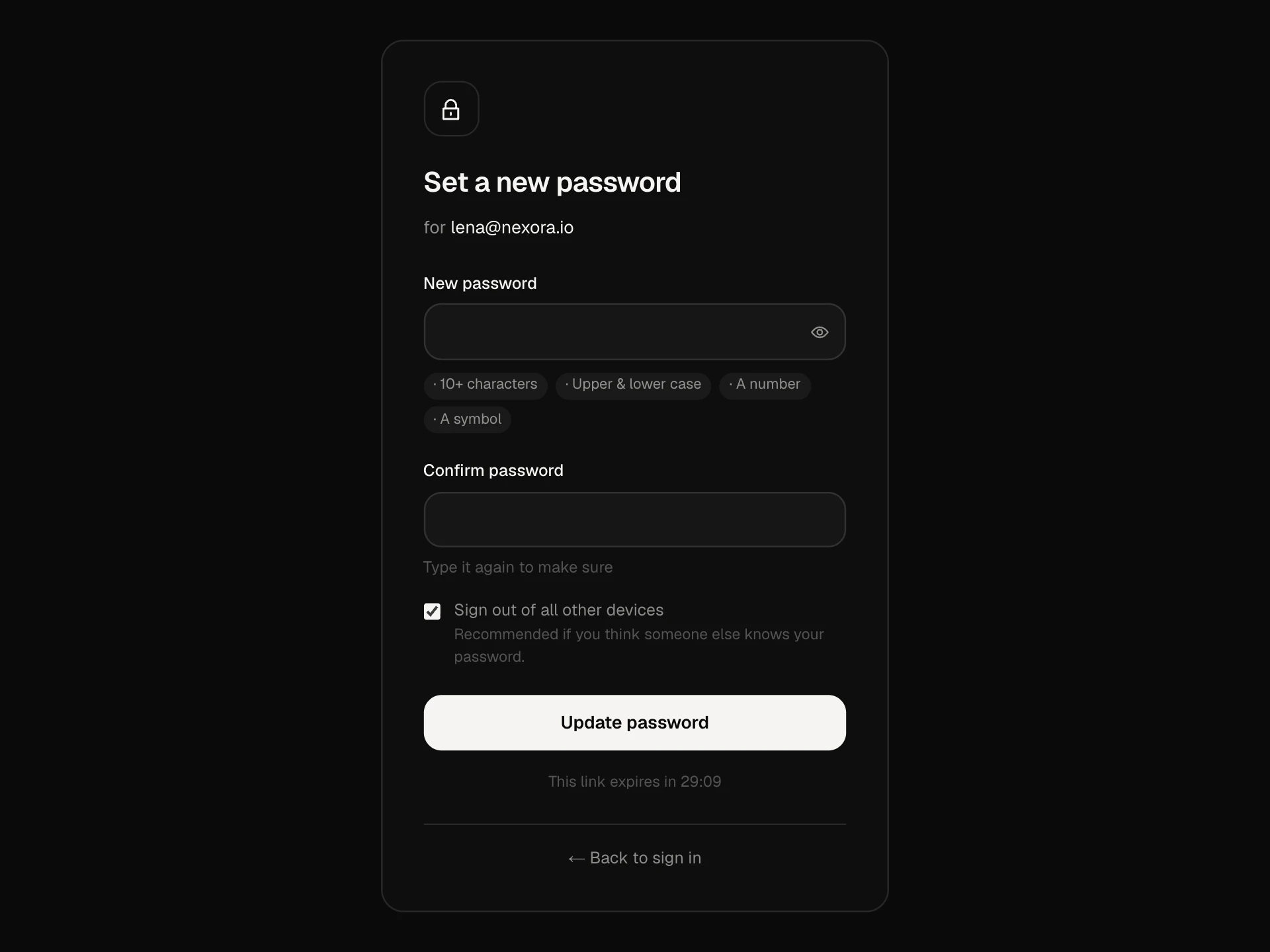
A create-password screen that explains strength instead of just scoring it: entropy in bits and an estimated time to crack, a five-step meter, live checks for length, variety, runs, keyboard patterns, your name or email and leaked passwords, a tip for the first problem, a passphrase generator, copy and show, and saving only once it's strong.
About the Password Strength Meter component
Password Strength Meter is a create-password screen that tells people why a password is weak, not just that it is. It shows how long the password would take to crack and checks it against the mistakes attackers try first.
As someone types, the meter fills and changes color, the checklist ticks off length, variety, runs like 1234, keyboard rows like qwerty, their own name or email and passwords known from leaks, and one tip explains what to fix next. Suggest one fills in a strong, memorable passphrase.
When to use it
Use it on sign-up, set-password, reset-password and change-password screens.
For a compact password field inside a longer form, use the password input element instead.
Installation
Add the Password Strength Meter component to your project with the shadcn CLI. It lands in components/password-strength-meter.tsx as plain React + Tailwind CSS source you own and can edit.
npx shadcn@latest add @reactframe/password-strength-meterOr copy the source by hand and install its dependencies:
npm install motion clsx tailwind-mergeProps
<PasswordStrengthMeter /> accepts 7 props, all optional.
| Prop | Type | Default |
|---|---|---|
| name | string | "Lena Brandt" |
| string | "lena@nexora.io" | |
| minLength | number | 12 |
| blocklist Extra passwords to reject, on top of the built-in list of common ones. | string[] | ["nexora"] |
| onSubmit | (password: string) => Promise<void> | void | — |
| theme | "dark" | "light" | "dark" |
| className | string | — |
- namestringDefault: "Lena Brandt"
- emailstringDefault: "lena@nexora.io"
- minLengthnumberDefault: 12
- blocklist
Extra passwords to reject, on top of the built-in list of common ones.
string[]Default: ["nexora"] - onSubmit(password: string) => Promise<void> | void
- theme"dark" | "light"Default: "dark"
- classNamestring
npm dependencies
Installed for you by the shadcn CLI.
Password Strength Meter FAQ
- How is the crack time worked out?
- From the password's entropy: its length times the size of the character set it uses, minus penalties for patterns. It assumes an offline attack at 10 billion guesses a second, a realistic worst case for a leaked database.
- Does it check real breach data?
- The demo checks a short built-in list of the most common passwords plus your blocklist. For real breach checks, call a k-anonymity breach API from onSubmit or as the user types and reject matches.
- Is the suggested password random?
- It picks three words, a number and a symbol with Math.random when the button is pressed. For production, swap in crypto.getRandomValues and a longer word list.
- Can I change the rules?
- Yes. minLength sets the length rule, blocklist adds words like your company name, and the checks array in analyse holds every rule and its tip.
- Is it accessible?
- The meter is a role=meter with a text value, the field is described by the meter and the tip, each check says whether it is done, and the tip updates politely as the password changes.