OTP / Verification Code Block React component
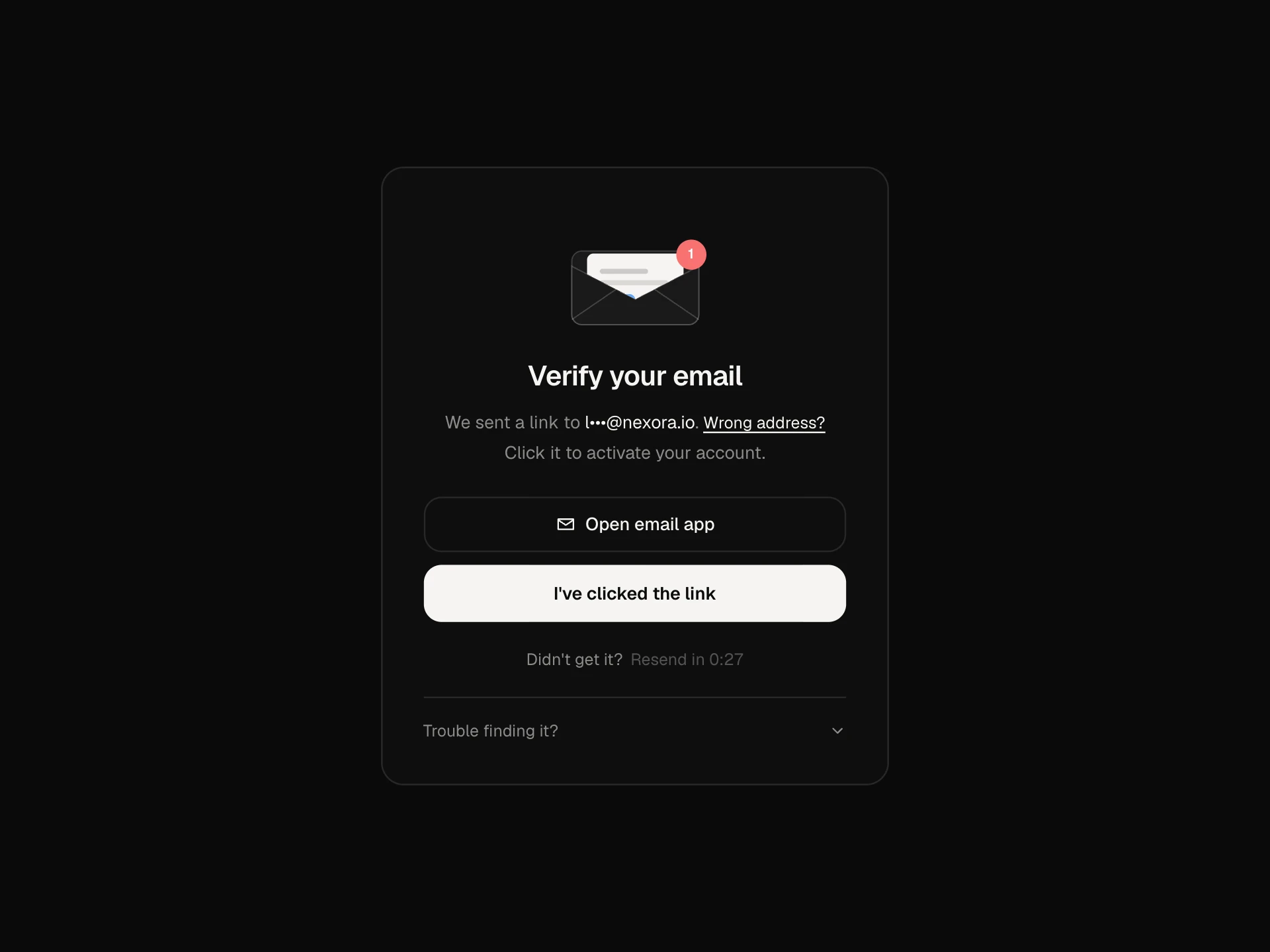
A complete two-step verification screen: text, authenticator or email codes, six boxes with auto-advance, paste and auto-submit, a shake and attempts left on a wrong code, a timed lockout, a resend cooldown, an authenticator refresh ring, recovery codes, trust this device, and a success state.
About the OTP / Verification Code Block component
OTP / Verification Code Block is the screen people see after their password when two-step verification is on. It asks for a six-digit code from a text message, an authenticator app or email, and handles everything around it.
The code boxes move on by themselves, accept a pasted code and check it as soon as the last digit is in. Wrong codes shake and show how many tries are left, too many tries lock the form for a moment, and resending is limited by a countdown. Recovery codes and a trust-this-device option are built in.
When to use it
Use it for sign-in verification, confirming a phone number, approving a sensitive action like a payout, or any step that needs a one-time code.
For a single code field inside a larger form, use the OTP input element instead.
Installation
Add the OTP / Verification Code Block component to your project with the shadcn CLI. It lands in components/otp-verification-block.tsx as plain React + Tailwind CSS source you own and can edit.
npx shadcn@latest add @reactframe/otp-verification-blockOr copy the source by hand and install its dependencies:
npm install motion clsx tailwind-mergeProps
<OtpVerificationBlock /> accepts 11 props, all optional.
| Prop | Type | Default |
|---|---|---|
| phone | string | "+49 151 2234 4821" |
| string | "lena@nexora.io" | |
| length | number | 6 |
| onVerify Return true when the code is right. Defaults to comparing with demoCode. | (code: string, method: Method, trustDevice: boolean) => Promise<boolean> | boolean | — |
| onResend | (method: Method) => void | — |
| demoCode | string | "428617" |
| recoveryCode | string | "4F7Q-2KXM" |
| maxAttempts | number | 3 |
| resendSeconds | number | 30 |
| theme | "dark" | "light" | "dark" |
| className | string | — |
- phonestringDefault: "+49 151 2234 4821"
- emailstringDefault: "lena@nexora.io"
- lengthnumberDefault: 6
- onVerify
Return true when the code is right. Defaults to comparing with demoCode.
(code: string, method: Method, trustDevice: boolean) => Promise<boolean> | boolean - onResend(method: Method) => void
- demoCodestringDefault: "428617"
- recoveryCodestringDefault: "4F7Q-2KXM"
- maxAttemptsnumberDefault: 3
- resendSecondsnumberDefault: 30
- theme"dark" | "light"Default: "dark"
- classNamestring
npm dependencies
Installed for you by the shadcn CLI.
OTP / Verification Code Block FAQ
- How do I check codes on my server?
- Pass onVerify. It receives the code, the method and whether to trust the device, and should return true or false (or a Promise). The block handles the spinner, errors, attempts and lockout.
- Does paste work?
- Yes. Pasting a code into any box fills all six and verifies right away. Phones can also fill it from the SMS keyboard suggestion, thanks to one-time-code autocomplete.
- Can I change the lockout and resend times?
- maxAttempts sets how many wrong codes are allowed and resendSeconds sets the resend cooldown. The lockout lasts 30 seconds; enforce your real limits on the server too.
- What are recovery codes for?
- If someone loses their phone, a saved recovery code lets them in. 'Use a recovery code' swaps the boxes for a single field in the XXXX-XXXX format.
- Is it accessible?
- Each box is labelled by its position, errors use aria-invalid and an assertive message, the method picker is a radiogroup, and the countdowns and checking state are announced.