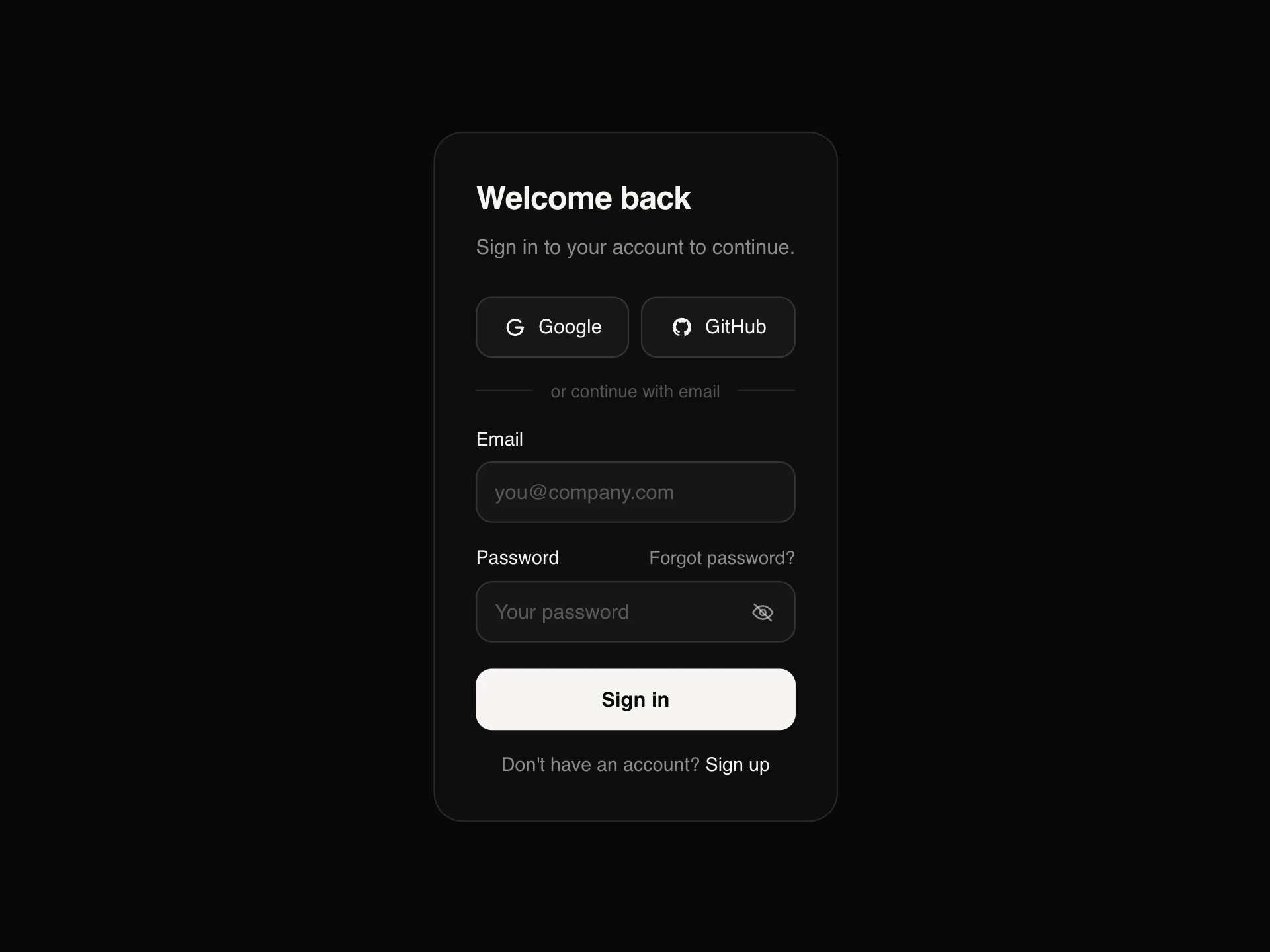
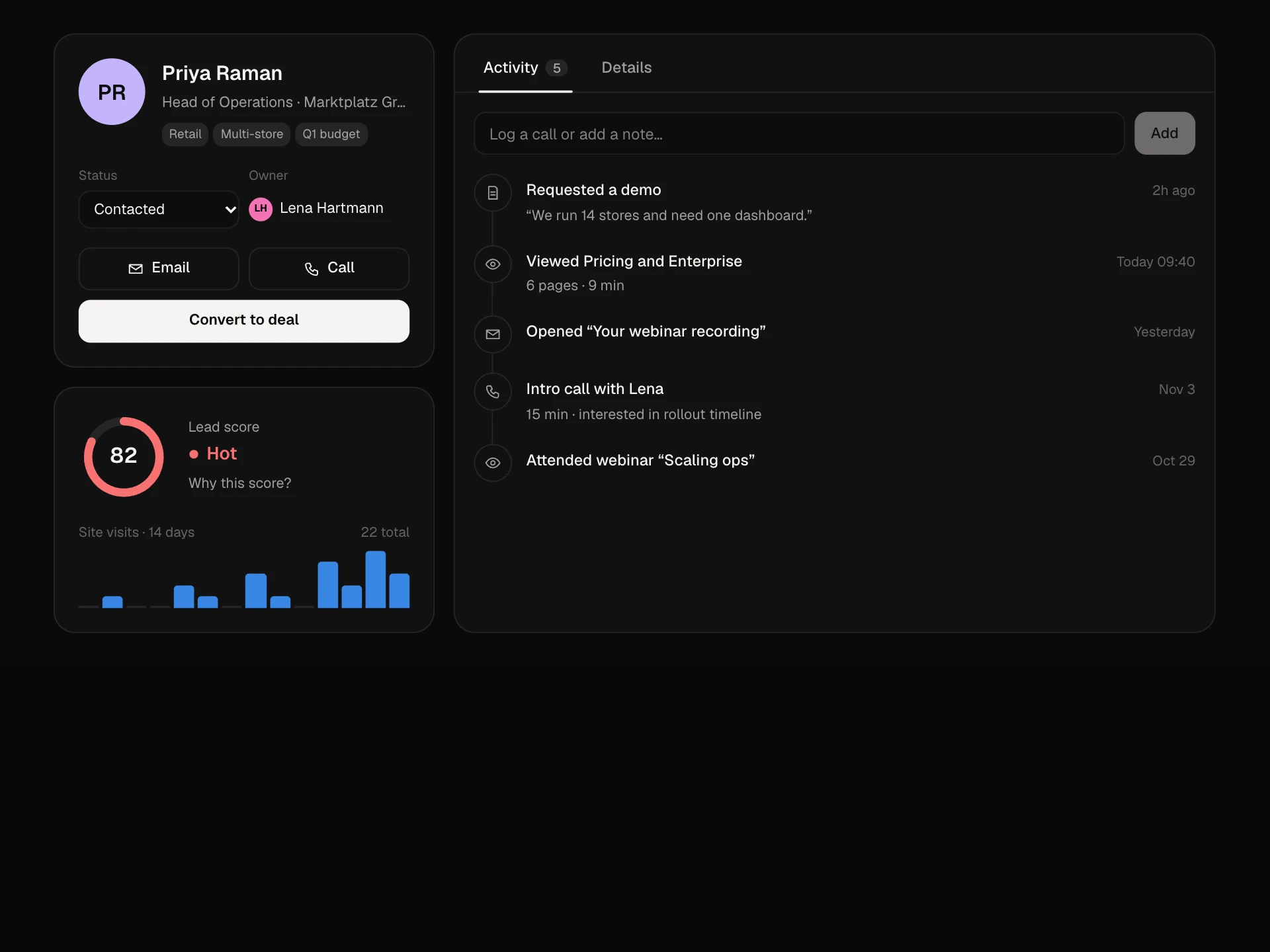
Reset Password Card React component
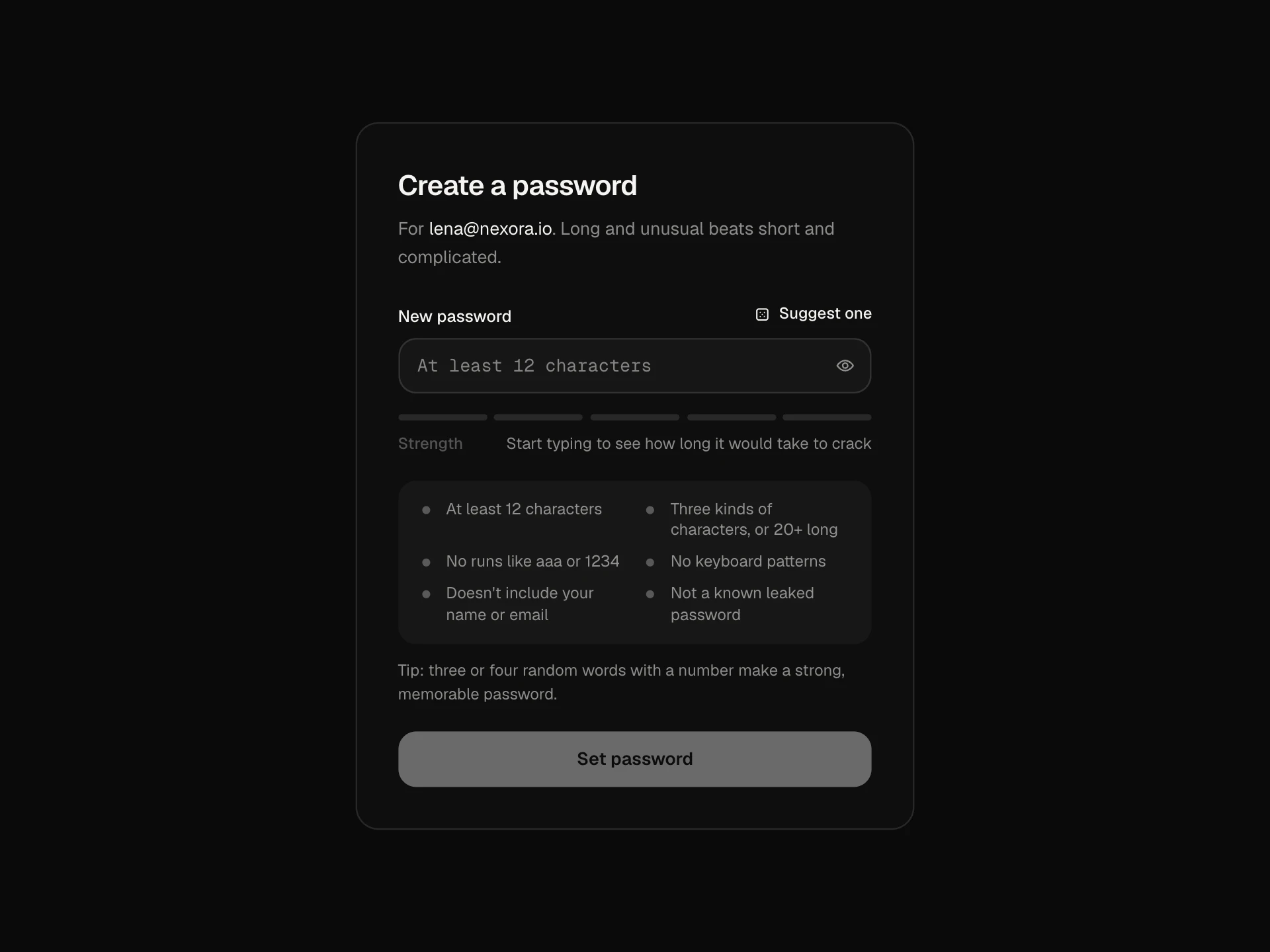
The screen behind a reset link: it checks the link, then asks for a new password with live rule chips, a confirm field that shows when they match, an expiry countdown and sign out of other devices, and finishes with a countdown into the app. Expired links get their own state with a send-a-new-link flow and resend cooldown.
About the Reset Password Card component
Reset Password Card is the page people land on after clicking the link in a password reset email. It checks the link, lets them choose a new password and gets them back into the app.
Everything a reset needs is here: rule chips that turn green as the password improves, a confirm field that shows when the two match, a countdown until the link expires and an option to sign out other devices. If the link has expired, the card explains why and sends a fresh one.
When to use it
Use it as the target of password reset emails and for invite links where a new user sets their first password.
Asking for the reset link itself is covered by Auth Card's forgot-password mode.
Installation
Add the Reset Password Card component to your project with the shadcn CLI. It lands in components/reset-password-card.tsx as plain React + Tailwind CSS source you own and can edit.
npx shadcn@latest add @reactframe/reset-password-cardOr copy the source by hand and install its dependencies:
npm install motion clsx tailwind-mergeProps
<ResetPasswordCard /> accepts 9 props, all optional.
| Prop | Type | Default |
|---|---|---|
| string | "lena@nexora.io" | |
| linkState | "valid" | "expired" | "valid" |
| expiresIn Seconds left before the link expires. | number | 1752 |
| minLength | number | 10 |
| onReset | (password: string, signOutOthers: boolean) => Promise<void> | void | — |
| onRequestLink | (email: string) => Promise<void> | void | — |
| onContinue | () => void | — |
| theme | "dark" | "light" | "dark" |
| className | string | — |
- emailstringDefault: "lena@nexora.io"
- linkState"valid" | "expired"Default: "valid"
- expiresIn
Seconds left before the link expires.
numberDefault: 1752 - minLengthnumberDefault: 10
- onReset(password: string, signOutOthers: boolean) => Promise<void> | void
- onRequestLink(email: string) => Promise<void> | void
- onContinue() => void
- theme"dark" | "light"Default: "dark"
- classNamestring
npm dependencies
Installed for you by the shadcn CLI.
Reset Password Card FAQ
- How do I check the link?
- Validate the token on your server and pass linkState as valid or expired, with expiresIn set to the seconds left. The card shows a short checking state first, then the right screen.
- What happens when the timer runs out?
- The form switches to the expired screen so nobody submits a password that will be rejected. Enforce expiry on the server as well.
- What does signing out other devices do?
- onReset receives a second argument, signOutOthers. Use it to end every other session for the account, which is what people expect after a suspected compromise.
- Does it sign the user in afterwards?
- It counts down three seconds and calls onContinue, or right away on Continue now. Create the session in onReset so onContinue can simply navigate.
- Is it accessible?
- Fields have labels and aria-invalid, the rules list says which rules are met, the match hint and expiry state are announced, and every screen change is a status update with focusable actions.