Poster Tunnel React component
An endless tunnel lined with posters you fly through: hairline frames rush past, the far end dissolves into fog, scroll or drag to speed up or reverse, hover to slow down, and line indicators fly you to any poster.
About the Poster Tunnel component
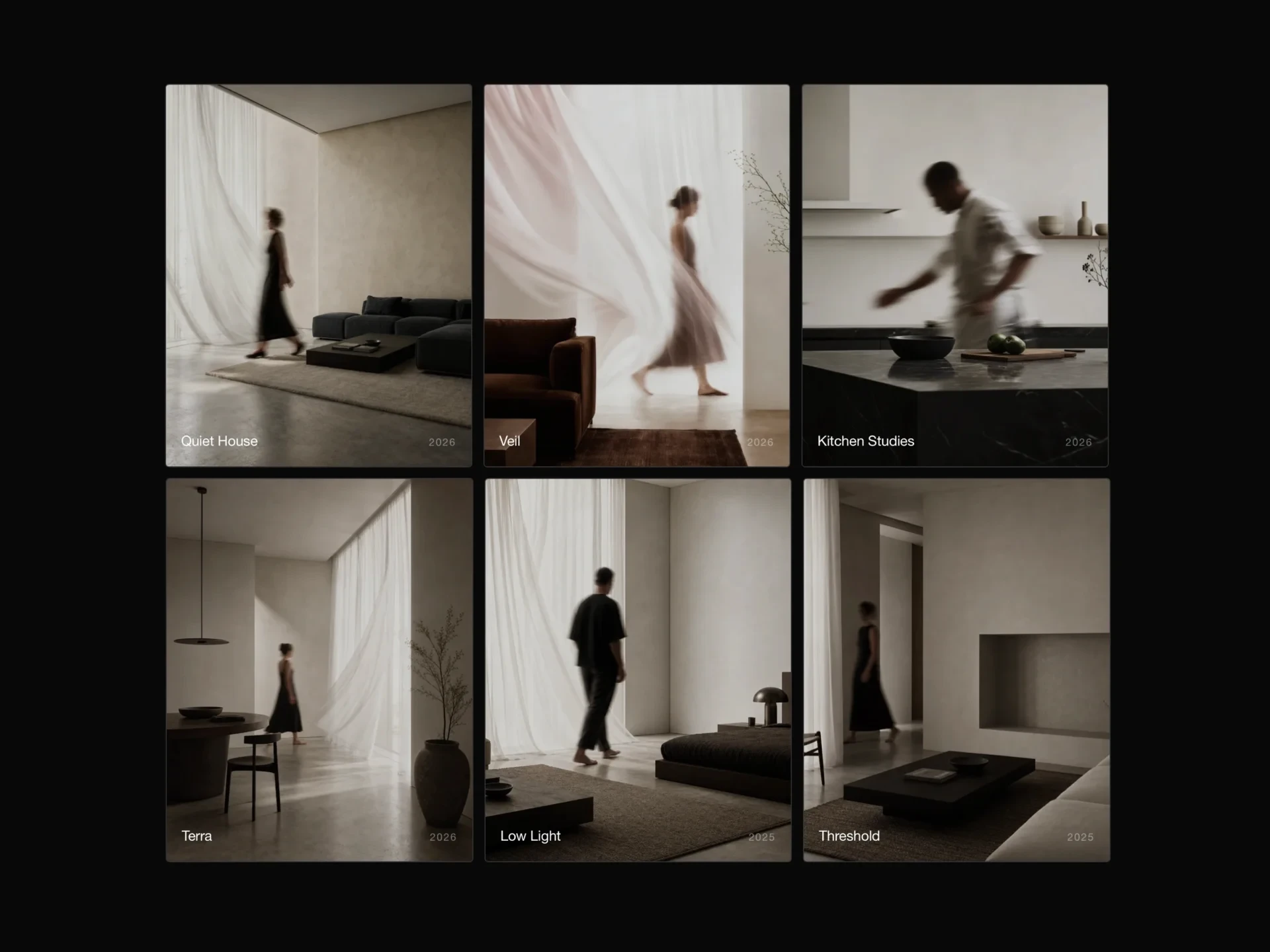
Poster Tunnel turns a set of images into a corridor you fly down. Posters line both walls, thin frames rush past to show the speed, and the far end fades into the background, so the tunnel seems to go on forever (it loops).
Scrolling or dragging speeds it up or sends it backwards, and it eases back to a calm cruise afterwards. Hovering a poster slows the tunnel almost to a stop so it is easy to click, the corner readout names the poster coming up, and the line indicators fly straight to any poster.
When to use it
Use it for an exhibition, film or event poster archive, a campaign or album-art showcase, or a hero section that should feel like walking into the work.
Posters are seen at an angle on the walls, so pick bold, tall images; detail is better shown in the lightbox than on the walls.
Installation
Add the Poster Tunnel component to your project with the shadcn CLI. It lands in components/poster-tunnel.tsx as plain React + Tailwind CSS source you own and can edit.
npx shadcn@latest add @reactframe/poster-tunnelOr copy the source by hand and install its dependencies:
npm install clsx tailwind-mergeProps
<PosterTunnel /> accepts 11 props, all optional. It also accepts the usual <div> attributes, like className, style, id and aria-*, and passes them to its root element.
| Prop | Type | Default |
|---|---|---|
| posters | { src: string; alt?: string; title?: string }[] | DEFAULT_POSTERS |
| theme | "dark" | "light" | "dark" |
| height | number | 600 |
| posterWidth Poster size in px on wide screens; the tunnel scales down on narrow ones. | number | 290 |
| posterHeight | number | 390 |
| speed Cruising speed in px per second along the tunnel; 0 holds still until scrolled. | number | 110 |
| slowOnHover Slow to a crawl while a poster is hovered, so it's easy to click. | boolean | true |
| wheelSensitivity | number | 1 |
| showFrames | boolean | true |
| showLines | boolean | true |
| enableLightbox | boolean | true |
- posters{ src: string; alt?: string; title?: string }[]Default: DEFAULT_POSTERS
- theme"dark" | "light"Default: "dark"
- heightnumberDefault: 600
- posterWidth
Poster size in px on wide screens; the tunnel scales down on narrow ones.
numberDefault: 290 - posterHeightnumberDefault: 390
- speed
Cruising speed in px per second along the tunnel; 0 holds still until scrolled.
numberDefault: 110 - slowOnHover
Slow to a crawl while a poster is hovered, so it's easy to click.
booleanDefault: true - wheelSensitivitynumberDefault: 1
- showFramesbooleanDefault: true
- showLinesbooleanDefault: true
- enableLightboxbooleanDefault: true
Collections
Use-case pages that compare Poster Tunnel with the other components that do a similar job.
npm dependencies
Installed for you by the shadcn CLI.
Poster Tunnel FAQ
- Can it stay still until someone scrolls?
- Yes, speed={0}. Scrolling and dragging still fly through it, and it glides to a stop afterwards.
- Does it take over the page scroll?
- While the pointer is over it the wheel drives the tunnel. Pass wheelSensitivity={0} to give the wheel back to the page; dragging and the indicators still work.
- Why does it slow down when I point at a poster?
- So the poster is easy to click. Turn that off with slowOnHover={false}.
- How many posters does it need?
- They alternate walls, so ten or more keep both walls full; fewer still loop, just with wider gaps.