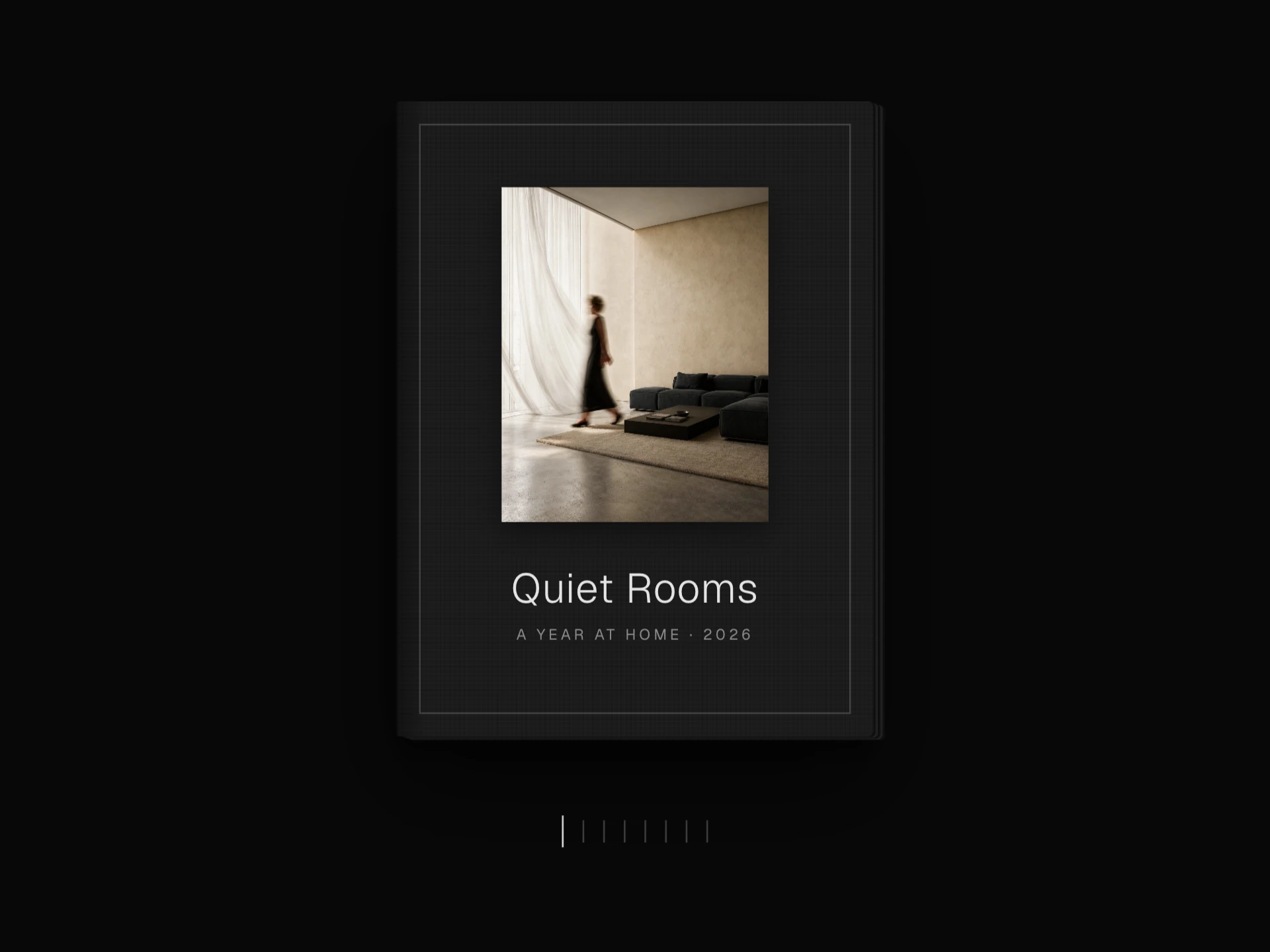
Dome Photo Sphere React component
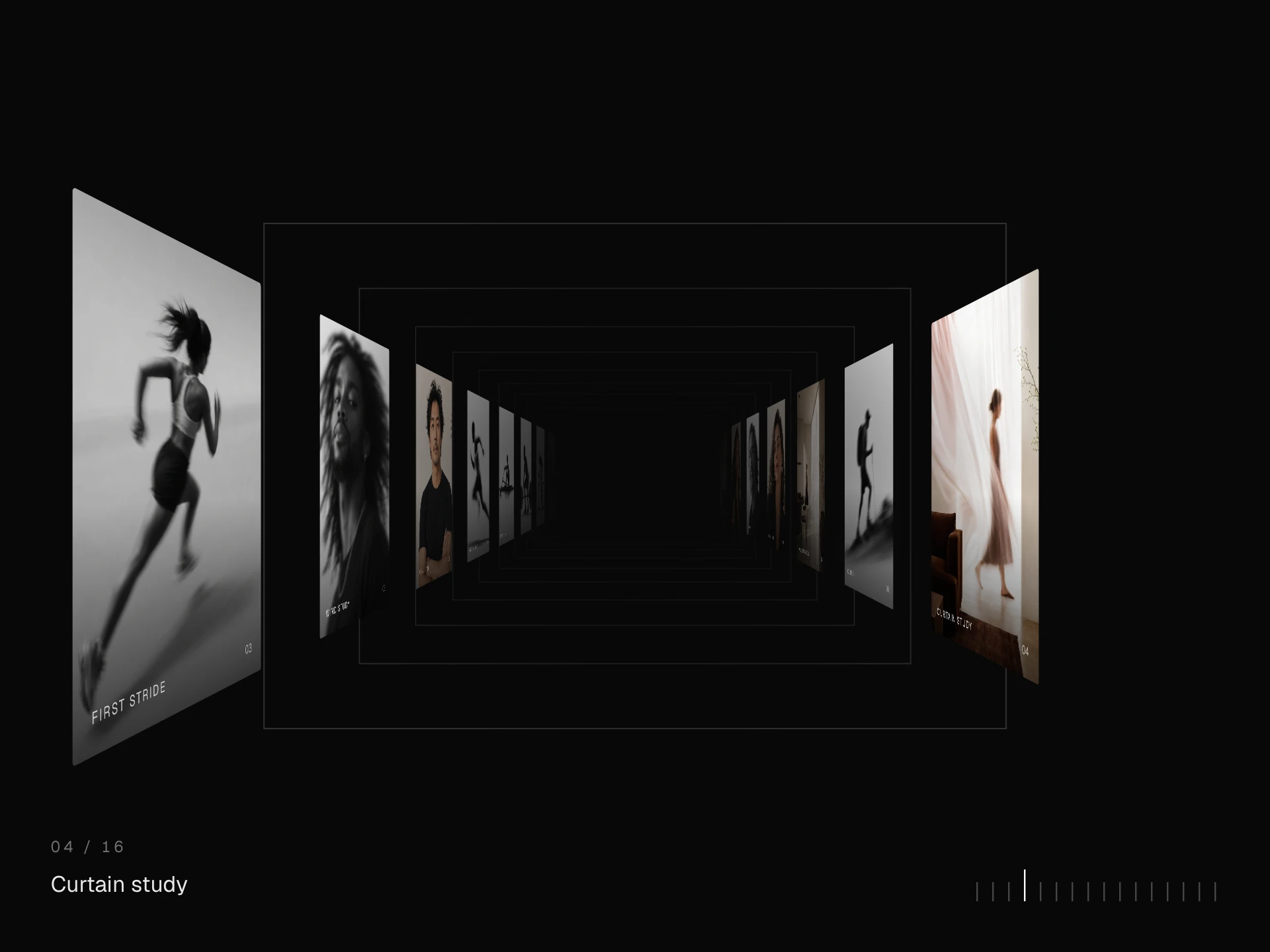
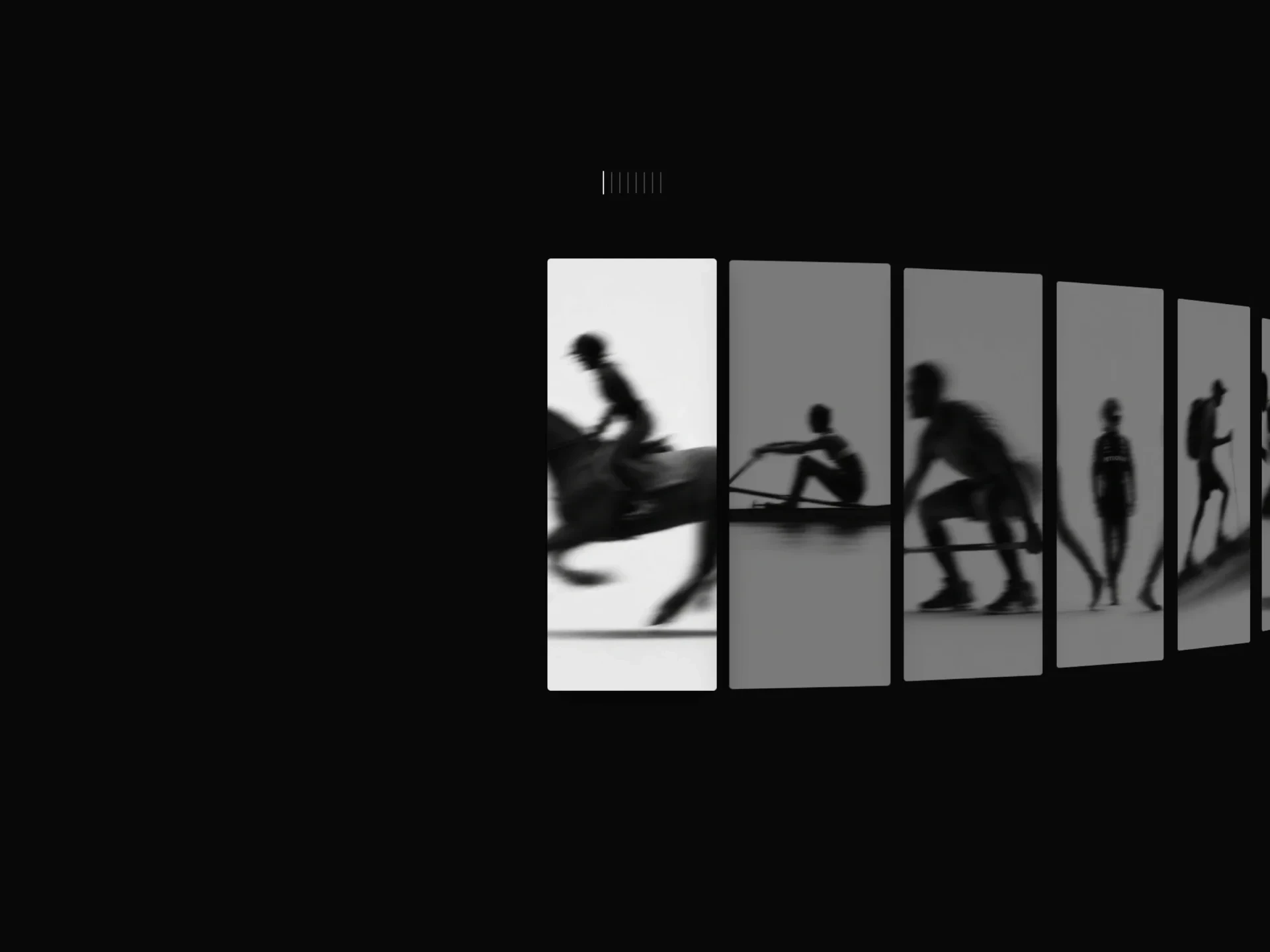
An immersive photo dome you look around from the inside: drag with inertia, an idle spin, tiles that brighten toward the centre of view, a ticking compass readout, and a lightbox that flies out of the tile you tap.
About the Dome Photo Sphere component
Dome Photo Sphere puts the viewer inside a sphere lined with photos. Dragging looks around in any direction with a little momentum, the tiles near the middle of the view are lit while those toward the edges fade into a vignette, and an idle spin keeps it moving when nobody is touching it.
A small compass under the dome ticks along with the heading. Tapping a photo lifts it out of the dome into a lightbox, where the arrow keys step through the set; with keyboard focus, the arrow keys turn the dome and Enter opens the photo in the middle.
When to use it
Use it as an immersive centrepiece: an event or festival archive, a team or community wall, a campaign landing page, or any large set of photos where exploring is the point.
It shows many photos at once but small, so pair it with a grid or a lightbox-first gallery when people need to find one specific image.
Installation
Add the Dome Photo Sphere component to your project with the shadcn CLI. It lands in components/dome-photo-sphere.tsx as plain React + Tailwind CSS source you own and can edit.
npx shadcn@latest add @reactframe/dome-photo-sphereOr copy the source by hand and install its dependencies:
npm install clsx tailwind-mergeProps
<DomePhotoSphere /> accepts 13 props, all optional. It also accepts the usual <div> attributes, like className, style, id and aria-*, and passes them to its root element.
| Prop | Type | Default |
|---|---|---|
| photos | { src: string; alt?: string }[] | DEFAULT_PHOTOS |
| theme | "dark" | "light" | "dark" |
| height Height of the viewport in px. | number | 560 |
| radius Sphere radius in px on wide screens; it shrinks with narrow containers. | number | 640 |
| tileAngle Angular size of one tile in degrees. | number | 15 |
| maxPitch How far up and down the view can tilt, in degrees. | number | 18 |
| autoRotate Idle spin in degrees per second; 0 turns it off. | number | 4 |
| dragSensitivity | number | 1 |
| smoothing 0–1, how quickly the view catches up with the pointer. | number | 0.09 |
| borderRadius | number | 3 |
| dimOpacity Opacity of tiles toward the edge of the view. | number | 0.3 |
| showCompass | boolean | true |
- photos{ src: string; alt?: string }[]Default: DEFAULT_PHOTOS
- theme"dark" | "light"Default: "dark"
- height
Height of the viewport in px.
numberDefault: 560 - radius
Sphere radius in px on wide screens; it shrinks with narrow containers.
numberDefault: 640 - tileAngle
Angular size of one tile in degrees.
numberDefault: 15 - maxPitch
How far up and down the view can tilt, in degrees.
numberDefault: 18 - autoRotate
Idle spin in degrees per second; 0 turns it off.
numberDefault: 4 - dragSensitivitynumberDefault: 1
- smoothing
0–1, how quickly the view catches up with the pointer.
numberDefault: 0.09 - borderRadiusnumberDefault: 3
- dimOpacity
Opacity of tiles toward the edge of the view.
numberDefault: 0.3 - showCompassbooleanDefault: true
Show all 13 propsShow fewer
| enableLightbox | boolean | true |
- enableLightboxbooleanDefault: true
Collections
Use-case pages that compare Dome Photo Sphere with the other components that do a similar job.
npm dependencies
Installed for you by the shadcn CLI.
Dome Photo Sphere FAQ
- How many photos does it need?
- It repeats photos to fill the sphere, so it works with a handful, but around twenty or more keeps neighbouring tiles from repeating.
- Can I stop the idle spin?
- Yes, autoRotate={0}. Any other value is the spin speed in degrees per second (4 by default).
- Will it block page scrolling on phones?
- Touch drags inside the dome turn it instead of scrolling the page, so give it a sensible height (560px by default) and leave page around it to scroll.
- How do I make the tiles bigger or smaller?
- tileAngle sets each tile's angular size (15° by default); a larger angle gives fewer, bigger tiles. radius changes how close the dome feels.
- Does it need WebGL or three.js?
- No. It is plain CSS 3D transforms driven by a small requestAnimationFrame loop.