Floating Photo Wall React component
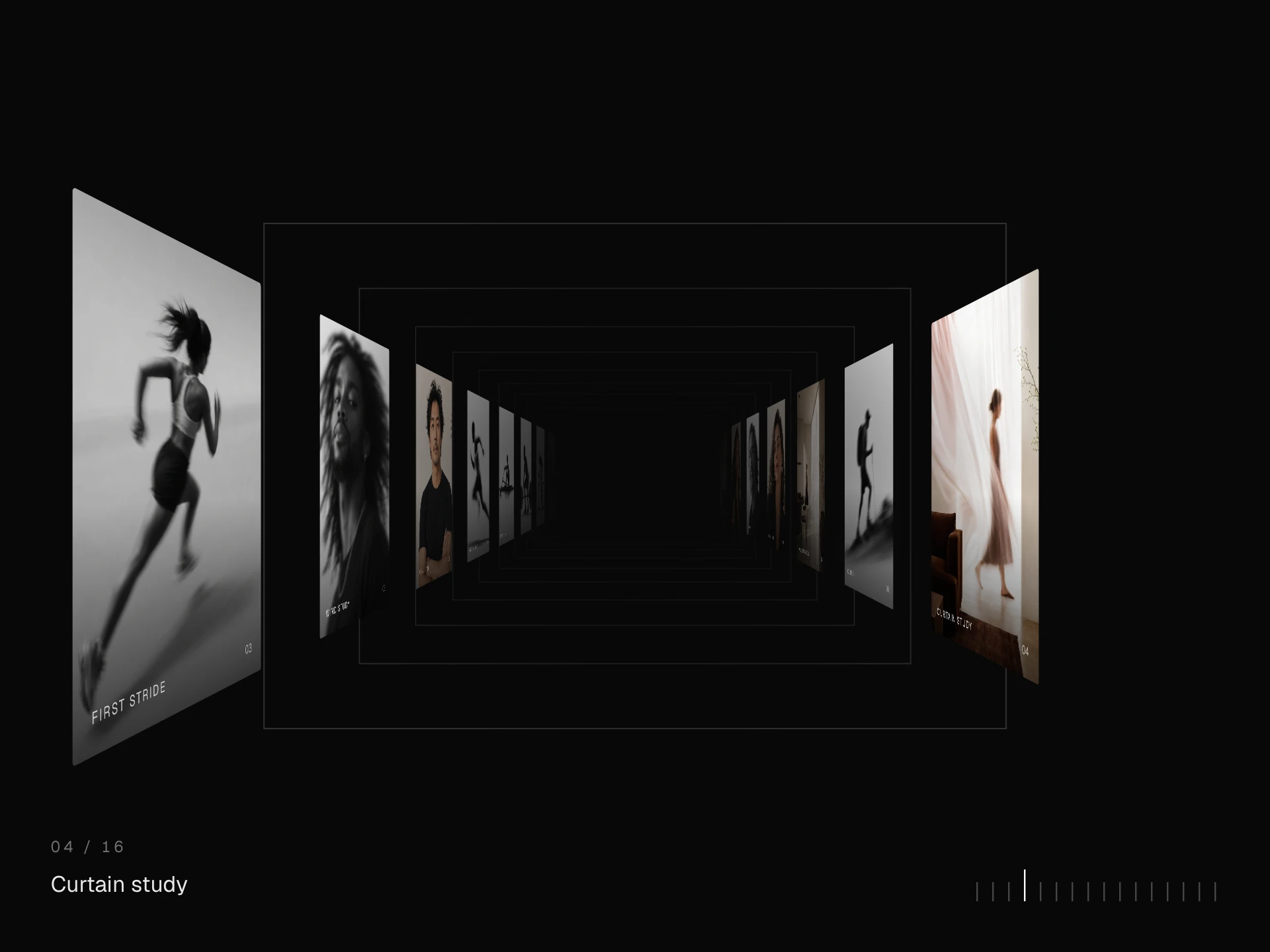
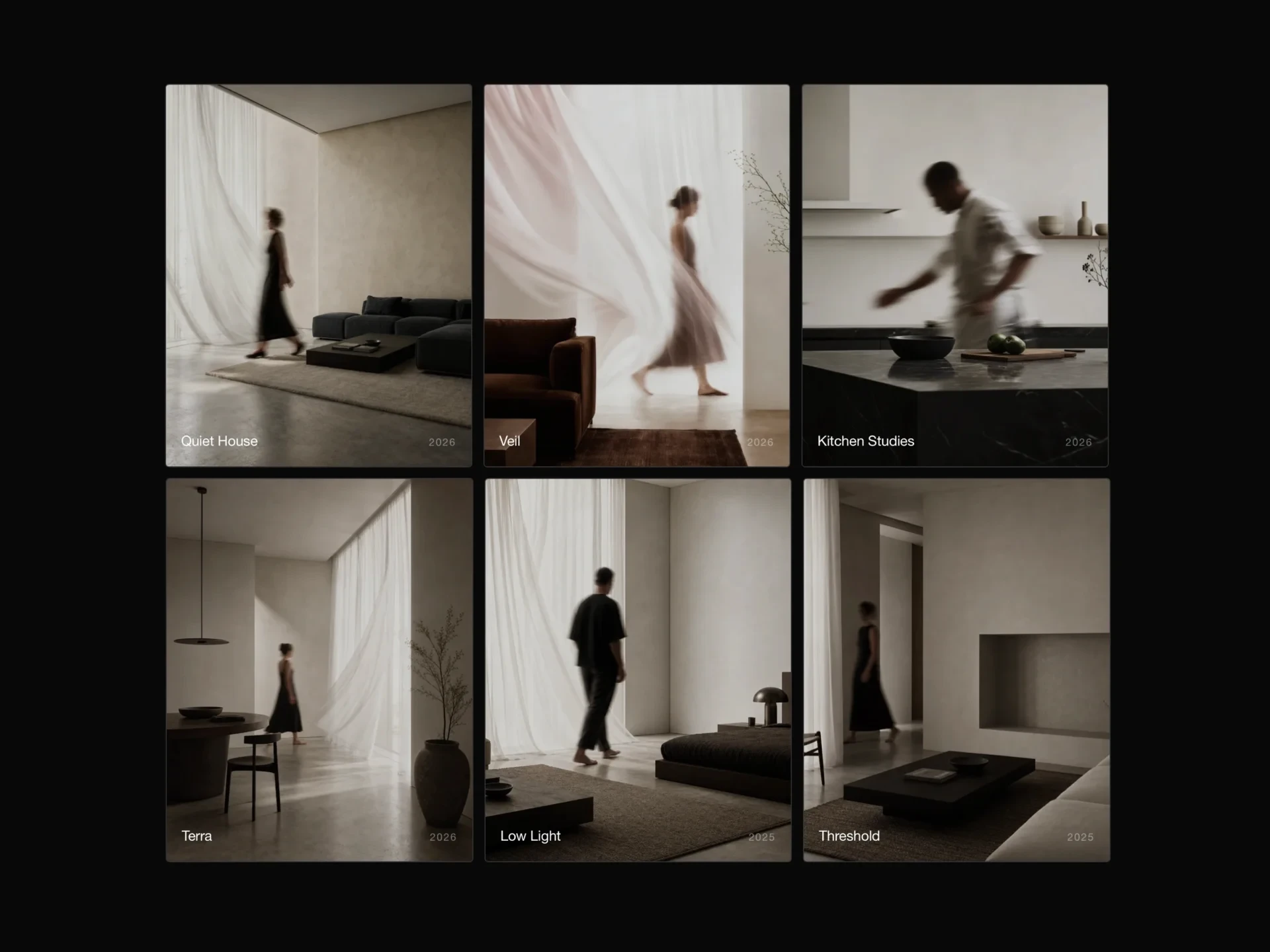
An endless wall of photos floating on three depth layers that slide at different speeds: drag with inertia, an idle drift, pointer parallax, a hovered card that lifts while the rest dim, and a captioned lightbox.
About the Floating Photo Wall component
Floating Photo Wall spreads photos across an endless wall on three layers of depth. Dragging moves the wall in any direction, and because the near cards travel faster than the far ones the wall has real depth; let go and it glides to a stop, then drifts slowly on its own.
Moving the pointer tilts the layers a little, hovering a photo lifts it and dims the rest, and tapping one opens it in a lightbox. The wall wraps around, so there is no edge to hit.
When to use it
Use it as an exploratory hero or archive: a studio's body of work, an event's photos, a moodboard or a community wall, where wandering around is more fun than scanning a grid.
For finding one particular photo quickly, a filtered grid or masonry gallery is easier; the wall is about atmosphere.
Installation
Add the Floating Photo Wall component to your project with the shadcn CLI. It lands in components/floating-photo-wall.tsx as plain React + Tailwind CSS source you own and can edit.
npx shadcn@latest add @reactframe/floating-photo-wallOr copy the source by hand and install its dependencies:
npm install clsx tailwind-mergeProps
<FloatingPhotoWall /> accepts 11 props, all optional. It also accepts the usual <div> attributes, like className, style, id and aria-*, and passes them to its root element.
| Prop | Type | Default |
|---|---|---|
| photos | { src: string; alt?: string; title?: string; ratio?: number }[] | DEFAULT_PHOTOS |
| theme | "dark" | "light" | "dark" |
| height | number | 600 |
| cardSize Width of a near card in px; the two farther layers are smaller. | number | 230 |
| drift Idle drift in px per second; 0 keeps the wall still until dragged. | number | 14 |
| parallax How far the layers shift with the pointer, in px. | number | 26 |
| smoothing 0–1, how quickly the wall catches up. | number | 0.08 |
| borderRadius | number | 3 |
| dimOpacity Opacity of the other cards while one is hovered. | number | 0.35 |
| showHint | boolean | true |
| enableLightbox | boolean | true |
- photos{ src: string; alt?: string; title?: string; ratio?: number }[]Default: DEFAULT_PHOTOS
- theme"dark" | "light"Default: "dark"
- heightnumberDefault: 600
- cardSize
Width of a near card in px; the two farther layers are smaller.
numberDefault: 230 - drift
Idle drift in px per second; 0 keeps the wall still until dragged.
numberDefault: 14 - parallax
How far the layers shift with the pointer, in px.
numberDefault: 26 - smoothing
0–1, how quickly the wall catches up.
numberDefault: 0.08 - borderRadiusnumberDefault: 3
- dimOpacity
Opacity of the other cards while one is hovered.
numberDefault: 0.35 - showHintbooleanDefault: true
- enableLightboxbooleanDefault: true
Collections
Use-case pages that compare Floating Photo Wall with the other components that do a similar job.
npm dependencies
Installed for you by the shadcn CLI.
Floating Photo Wall FAQ
- Can I stop the slow drift?
- Yes, drift={0}. Otherwise it is the drift speed in pixels per second (14 by default); it pauses while the pointer is over a photo.
- How many photos does it need?
- Photos repeat across the three layers, so it works with a few, but a dozen or more keeps the same photo from showing up close by.
- Does it work with touch?
- Yes. Dragging pans the wall with momentum and a tap opens the lightbox; the pointer parallax only applies to a mouse.
- How do I set a photo's shape?
- Give it ratio (width / height), for example 1.25 for landscape or 0.8 for portrait. Without one, cards are 4:5.