Privacy & Security Settings Panel React component
An account privacy and security page: a security checkup score ring with one-click fixes, active sessions with per-device and sign-out-all, recent sign-in activity with a flagged failed attempt, profile visibility and activity status, a data export with progress, and a type-to-confirm account deletion.
About the Privacy & Security Settings Panel component
Privacy & Security Settings Panel puts everything about keeping an account safe on one page. A security checkup turns abstract advice into a score with one-click fixes, so turning on two-step verification or a passkey feels like progress instead of a chore.
Below it, people can see every device they're signed in on and sign any of them out, review recent sign-ins with failed attempts flagged, choose who sees their profile, export their data and, if they must, delete their account behind a type-to-confirm step.
When to use it
Use it as the security or privacy tab in account settings for any product with user accounts.
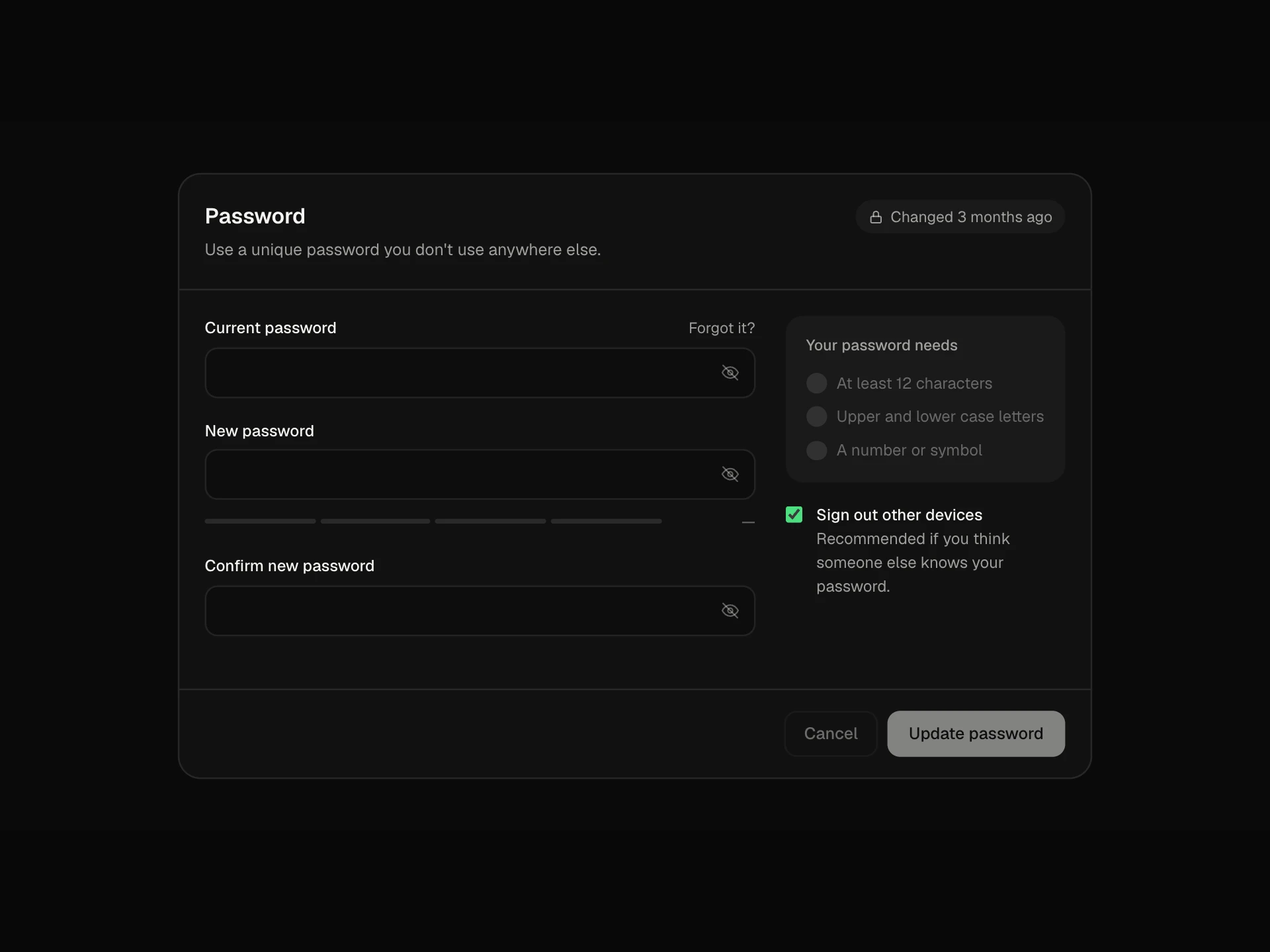
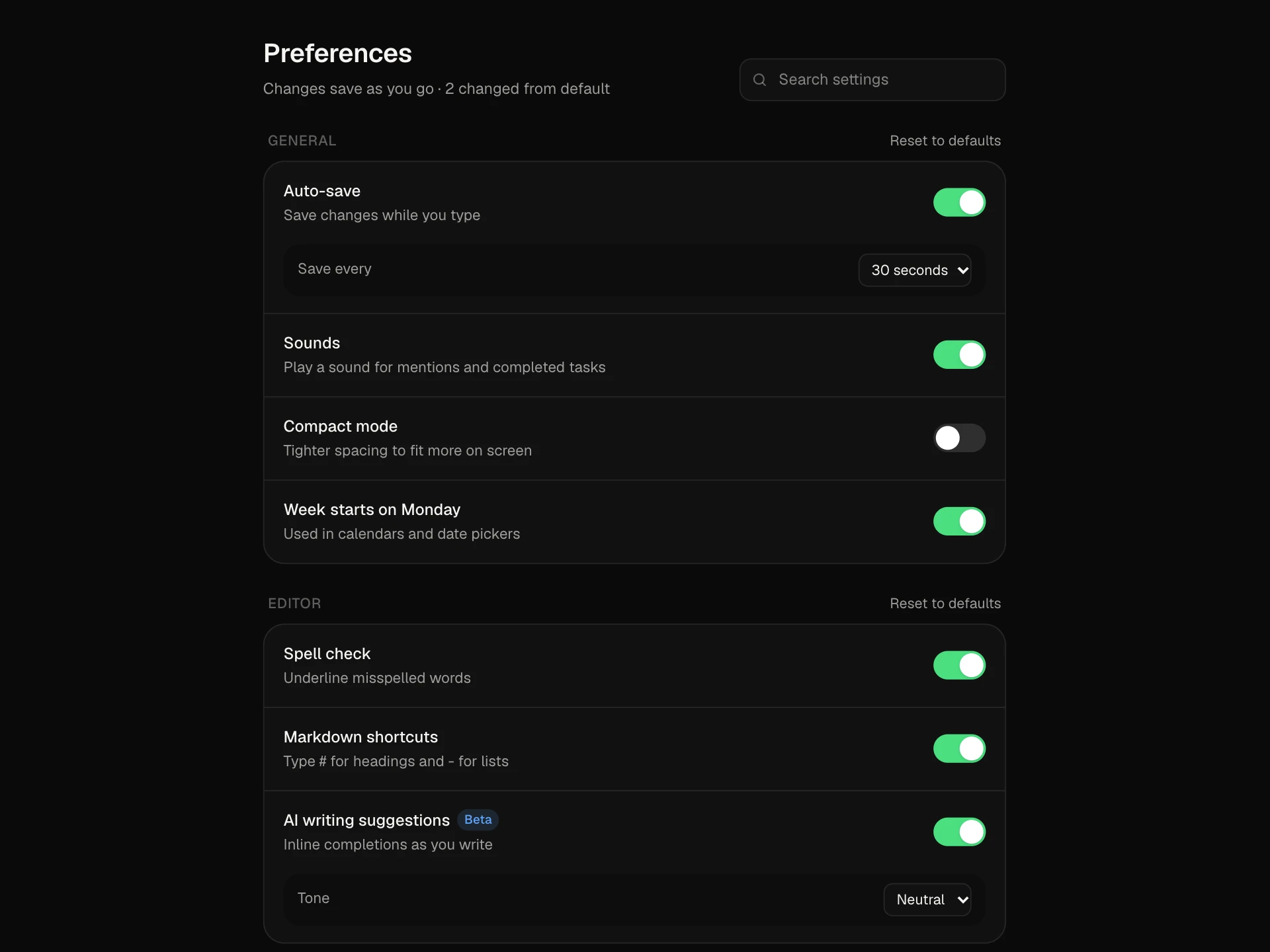
If you only need a password form, use the Change Password Settings Card; for general switches, use the Settings Toggle List.
Installation
Add the Privacy & Security Settings Panel component to your project with the shadcn CLI. It lands in components/privacy-security-settings-panel.tsx as plain React + Tailwind CSS source you own and can edit.
npx shadcn@latest add @reactframe/privacy-security-settings-panelOr copy the source by hand and install its dependencies:
npm install motion clsx tailwind-mergeProps
<PrivacySecuritySettingsPanel /> accepts 5 props, all optional.
| Prop | Type | Default |
|---|---|---|
| sessions | { id: string; device: "laptop" | "phone" | "tablet"; name: string; location: string; active: string; current?: boolean }[] | SESSIONS |
| onSignOutSession | (id: string) => void | — |
| onDeleteAccount | () => void | — |
| theme | "dark" | "light" | "dark" |
| className | string | — |
- sessions{ id: string; device: "laptop" | "phone" | "tablet"; name: string; location: string; active: string; current?: boolean }[]Default: SESSIONS
- onSignOutSession(id: string) => void
- onDeleteAccount() => void
- theme"dark" | "light"Default: "dark"
- classNamestring
npm dependencies
Installed for you by the shadcn CLI.
Privacy & Security Settings Panel FAQ
- How do I connect the checkup to real data?
- The checks live in component state as booleans. Initialise them from your user record and replace the Turn on handler with your 2FA or passkey enrolment flow; the ring and label follow the count automatically.
- What happens when a session is signed out?
- The row slides out and onSignOutSession is called with its id, so you can revoke the token on your server. The current device can't be signed out from here.
- How does the data export work?
- Request archive shows a progress bar and then a Download link. Replace the simulated progress with your export job's status and point the link at the generated file.
- Is account deletion safe from accidental clicks?
- Yes. Delete… only unfolds a form; the destructive button stays disabled until the person types DELETE, and onDeleteAccount runs on submit. The toast mentions a 14-day undo window you can match on your side.
- Is it accessible?
- The score is a polite live region, the activity switch is a labelled role=switch, the profile select has a label, the sign-out-all confirm is an alertdialog that focuses Cancel, and the delete input is focused when it opens.