Settings Toggle List React component
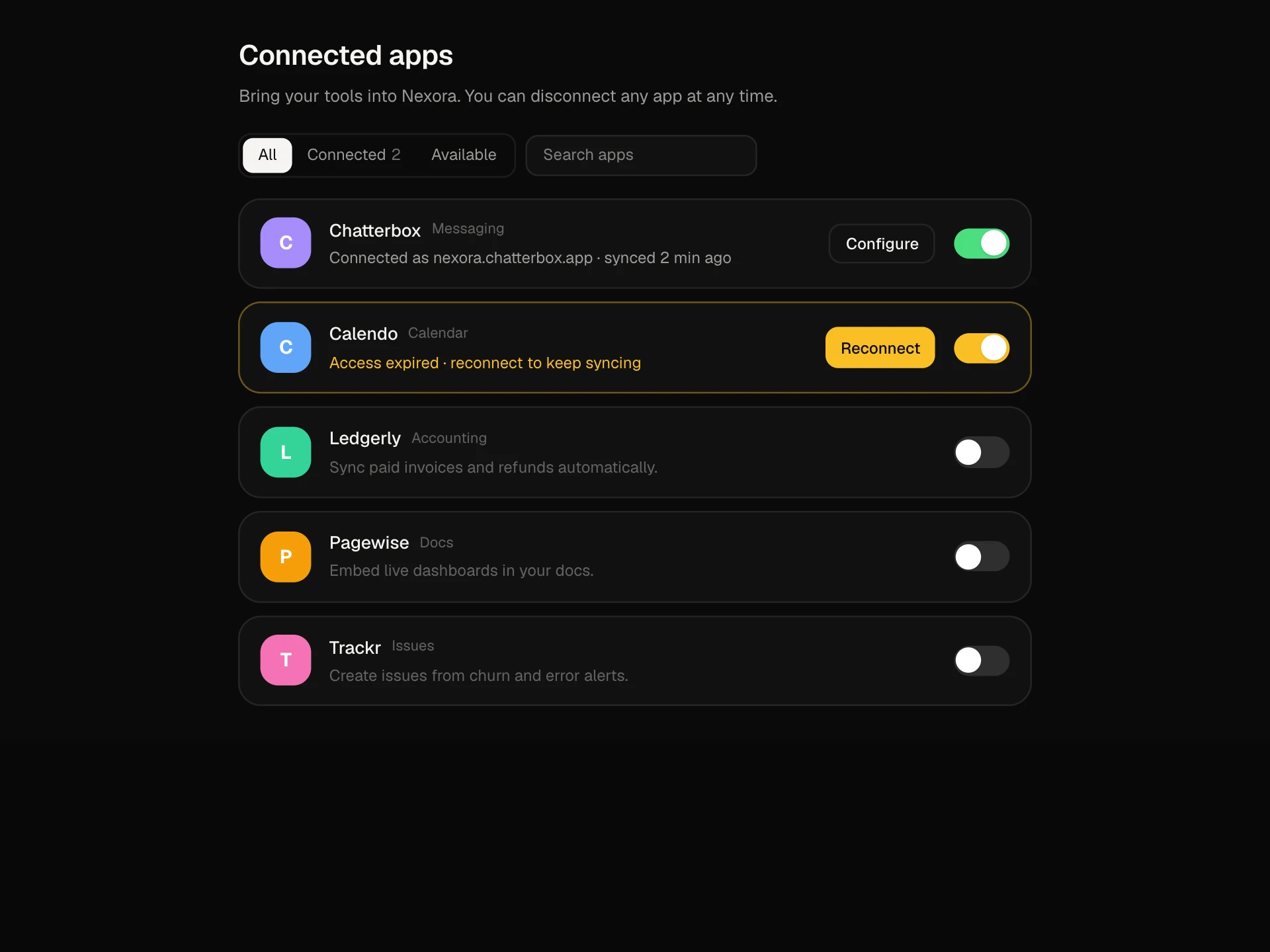
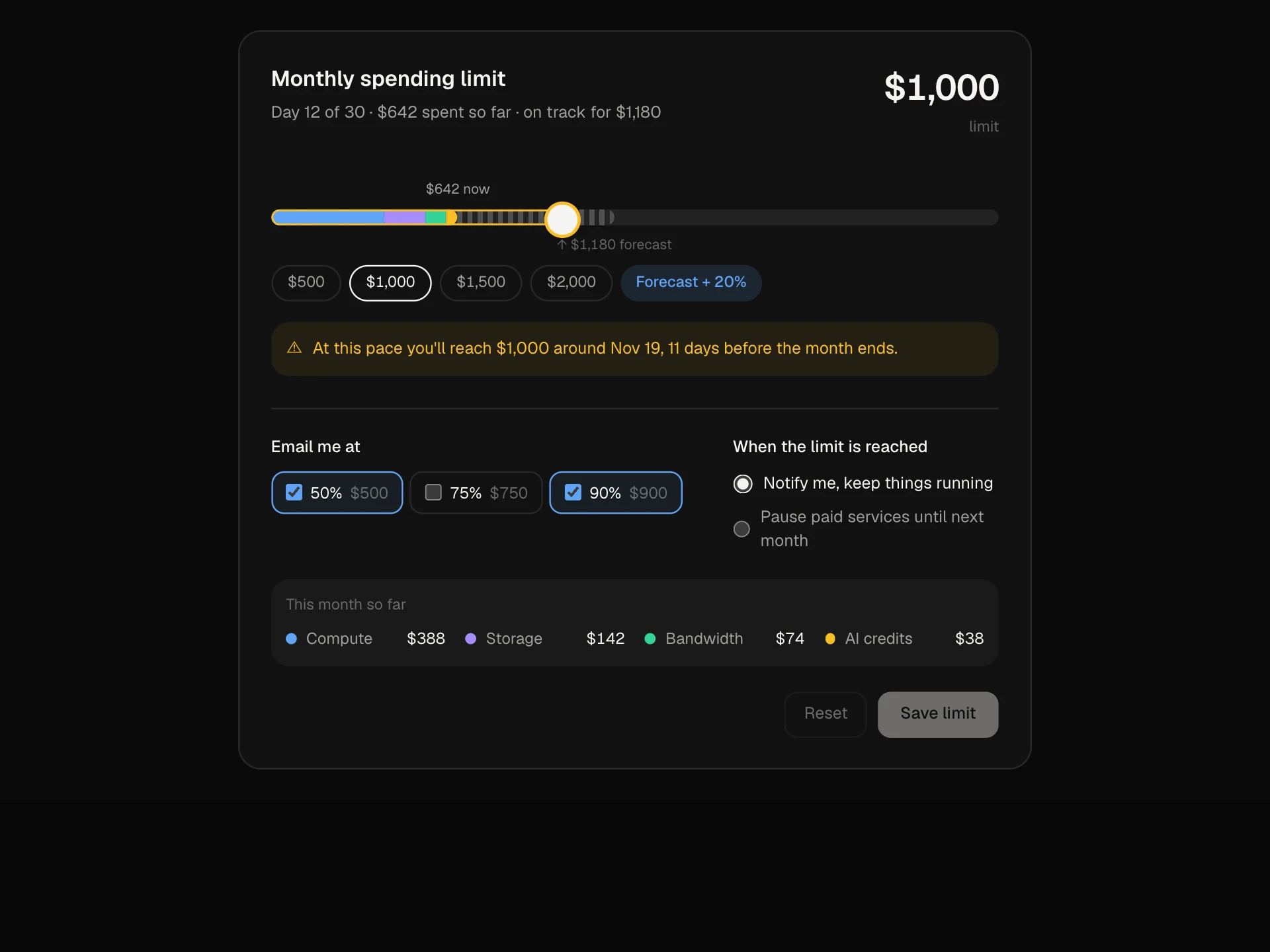
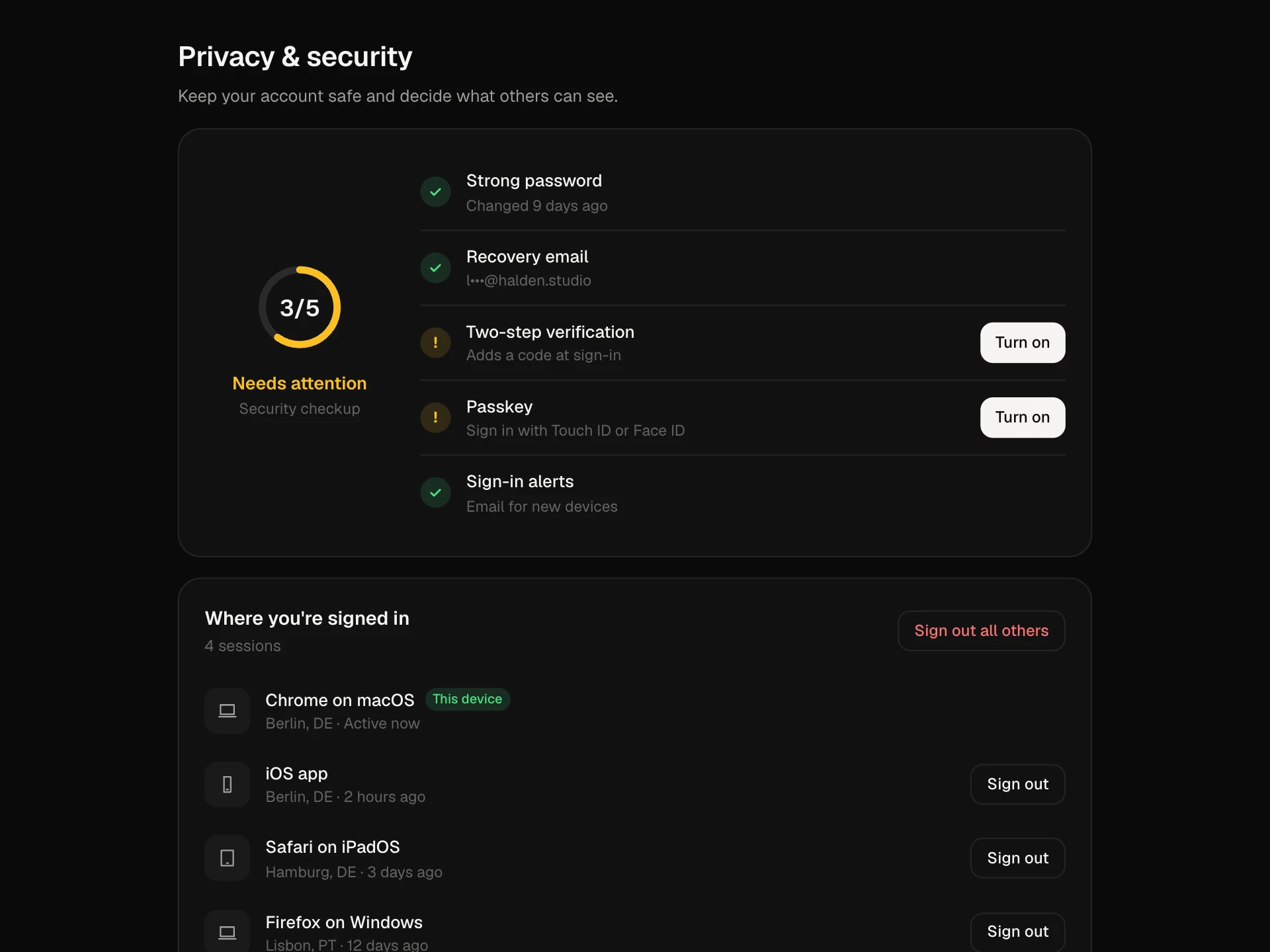
A preferences page of grouped switches that save instantly: search with highlighted matches, settings that reveal a follow-up option when turned on, beta badges, a reload banner for settings that need it, a saved check on each change, an undo toast, a count of changes from default and reset per section.
About the Settings Toggle List component
Settings Toggle List is a preferences page made of switches that save the moment they're flipped. Sections keep it scannable, and search finds any setting by its name or description.
It handles the details that make instant saving feel safe: a saved check on each row, an undo toast for every change, follow-up options that appear only when a setting is on, beta badges, and a banner when a change needs a reload. A counter shows how far you've strayed from the defaults, and each section can be reset.
When to use it
Use it for app preferences, editor settings, privacy options and feature flags that people can turn on themselves.
For settings that must be reviewed before applying, use a form with a save bar instead.
Installation
Add the Settings Toggle List component to your project with the shadcn CLI. It lands in components/settings-toggle-list.tsx as plain React + Tailwind CSS source you own and can edit.
npx shadcn@latest add @reactframe/settings-toggle-listOr copy the source by hand and install its dependencies:
npm install motion clsx tailwind-mergeProps
<SettingsToggleList /> accepts 4 props, all optional.
| Prop | Type | Default |
|---|---|---|
| sections | { id: string; title: string; settings: Setting[] }[] | SECTIONS |
| onChange | (id: string, value: boolean | string) => void | — |
| theme | "dark" | "light" | "dark" |
| className | string | — |
- sections{ id: string; title: string; settings: Setting[] }[]Default: SECTIONS
- onChange(id: string, value: boolean | string) => void
- theme"dark" | "light"Default: "dark"
- classNamestring
npm dependencies
Installed for you by the shadcn CLI.
Settings Toggle List FAQ
- How do changes get saved?
- onChange fires with the setting id and its new value on every switch and sub-option change. Call your API there; the row shows ✓ Saved right away.
- How does undo work?
- The last change is held for four seconds in a toast. Undo restores the previous value and calls onChange again with it.
- What does needs reload mean?
- Settings marked restart only take effect after a reload. Changing one shows a banner listing them with a Reload button; wire it to window.location.reload in your app.
- Can a setting have options of its own?
- Yes. Give it a sub option with a label, choices and a default. The select appears under the row only while the setting is on.
- Is it accessible?
- Each switch is labelled by its title and described by its hint, sections are labelled lists, search has a label and matches are highlighted, and the change counter, banner and toast are announced.