Scrollspy Anchor Links React component
A sticky horizontal bar of section links (Overview, Features, Specs, Reviews) that follows the section in view with a sliding pill or underline, keeps the current link scrolled into view on phones, and fills a progress line as you read.
About the Scrollspy Anchor Links component
Scrollspy Anchor Links is a horizontal bar of in-page links that sticks to the top of the screen and highlights the section you are reading. Clicking a link scrolls smoothly to that section, a pill or an underline slides to the current link as you scroll, and a thin line along the bottom fills as you move through the sections. The bar has a frosted, blurred background so content stays readable under it.
items takes objects with the id of each section and a label. offset is the distance from the top where a section becomes current, usually your header plus this bar (72px by default). variant picks pills or underline, sticky and stickyTop control where it sticks, showProgress toggles the bottom line and size picks sm, md or lg. scrollRef follows a scrolling panel instead of the page. The links are real anchors, so they still jump to their sections without JavaScript.
When to use it
Use Scrollspy Anchor Links on long single pages split into a few big sections, like a product page (Overview, Features, Specs, Reviews) or a landing page. It sticks under the header so any section is one tap away, and shows which one you're in.
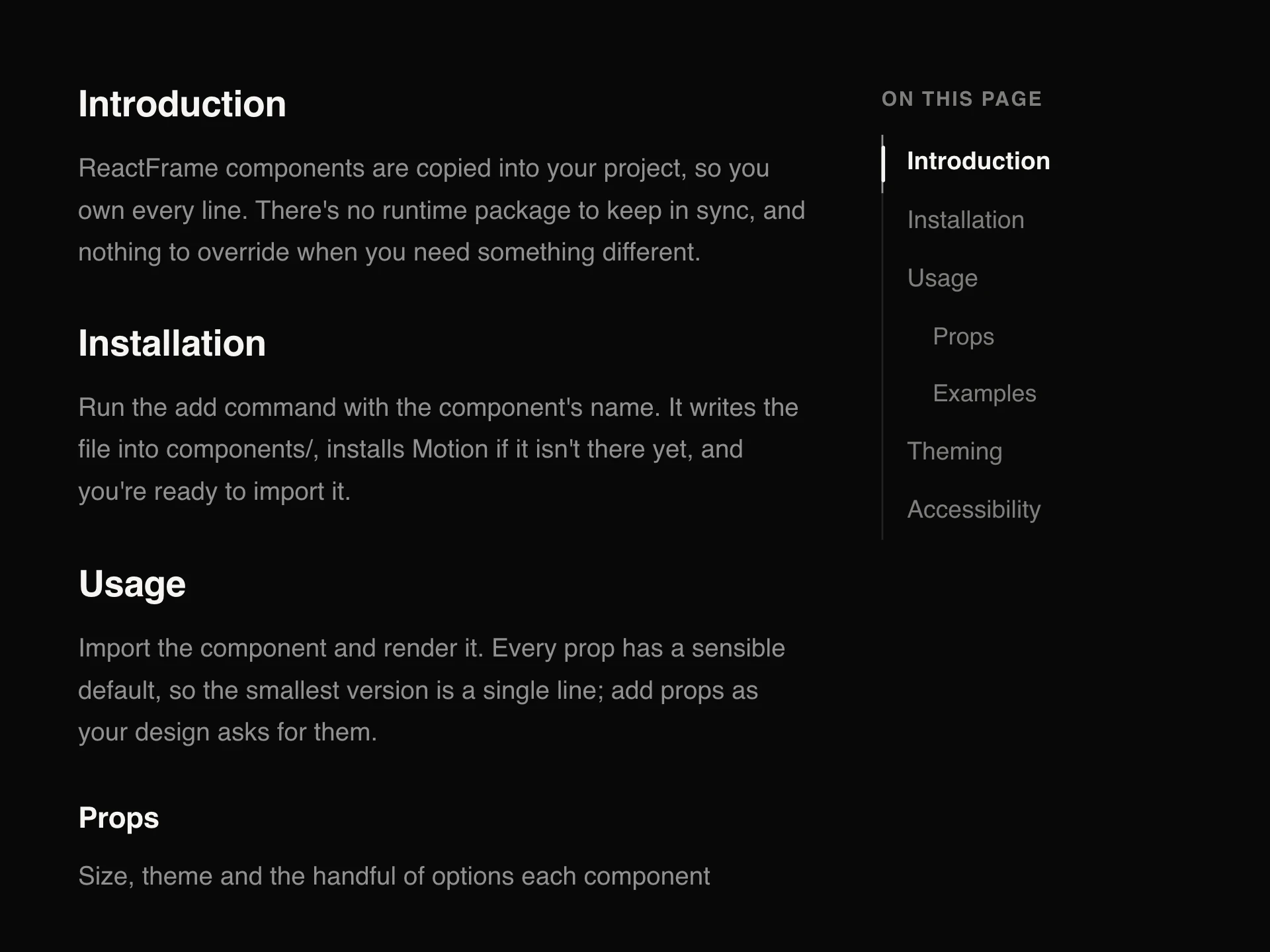
For documentation with nested headings, a vertical Table of Contents in a sidebar reads better.
Installation
Add the Scrollspy Anchor Links component to your project with the shadcn CLI. It lands in components/scrollspy-anchor-links.tsx as plain React + Tailwind CSS source you own and can edit.
npx shadcn@latest add @reactframe/scrollspy-anchor-linksOr copy the source by hand and install its dependencies:
npm install motion clsx tailwind-mergeProps
<ScrollspyAnchorLinks /> accepts 11 props (required ones are marked *).
| Prop | Type | Default |
|---|---|---|
| items* | { id: string; label: string }[] | — |
| scrollRef The element that scrolls; defaults to the page. | React.RefObject<HTMLElement | null> | — |
| offset Distance from the top at which a section counts as current, usually the bar's own height plus any header. | number | 72 |
| variant | "pills" | "underline" | "pills" |
| sticky Stick the bar to the top while its sections scroll past. | boolean | true |
| stickyTop | number | 0 |
| showProgress A thin line along the bottom that fills as you move through the sections. | boolean | true |
| updateHash | boolean | false |
| size | "sm" | "md" | "lg" | "md" |
| theme | "dark" | "light" | "dark" |
| className | string | — |
- items*{ id: string; label: string }[]
- scrollRef
The element that scrolls; defaults to the page.
React.RefObject<HTMLElement | null> - offset
Distance from the top at which a section counts as current, usually the bar's own height plus any header.
numberDefault: 72 - variant"pills" | "underline"Default: "pills"
- sticky
Stick the bar to the top while its sections scroll past.
booleanDefault: true - stickyTopnumberDefault: 0
- showProgress
A thin line along the bottom that fills as you move through the sections.
booleanDefault: true - updateHashbooleanDefault: false
- size"sm" | "md" | "lg"Default: "md"
- theme"dark" | "light"Default: "dark"
- classNamestring
npm dependencies
Installed for you by the shadcn CLI.
Scrollspy Anchor Links FAQ
- How do I set the offset?
- Use the height of everything stuck to the top: your header plus this bar. Sections then land just below the bar when a link is clicked, and become current as they reach it.
- What happens on small screens?
- The links scroll sideways inside the bar (no visible scrollbar), and the current link is smoothly scrolled into the middle as you move through the page.
- Can it follow a scrolling panel instead of the page?
- Yes, pass scrollRef, and render the bar inside that panel so sticky keeps it at the panel's top.
- Does clicking a link change the URL?
- Not by default, so the back button is not filled with section jumps. Set updateHash to write #section-id into the address bar, which makes the current section shareable.