Side Tab Menu React component
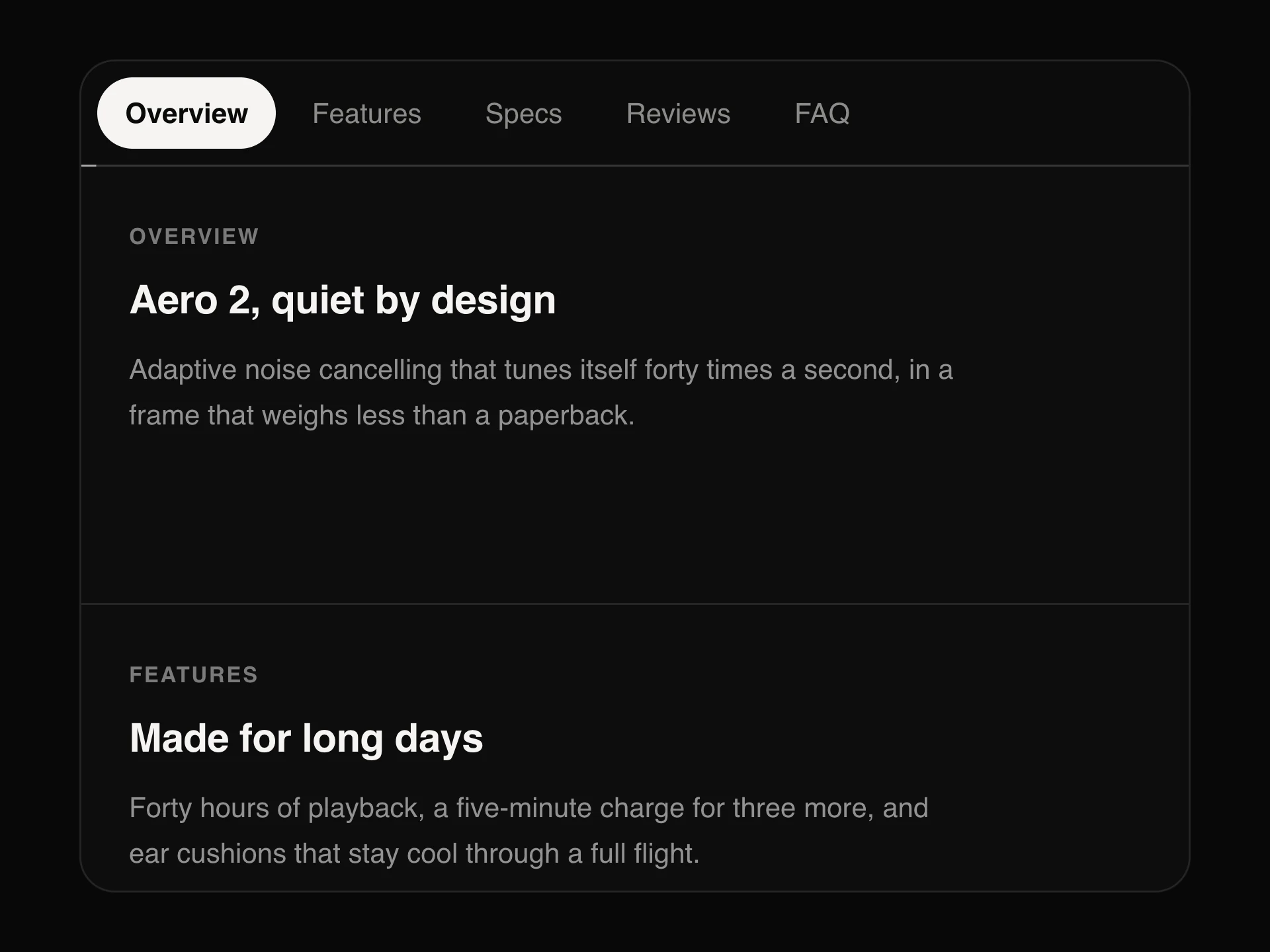
A vertical tab menu for settings pages: tabs with icons, second-line descriptions and count badges, grouped under headings, an active highlight with a rail that slides between them, and a panel that fades to the chosen tab. Stacks on phones.
When to use the Side Tab Menu component
Use Side Tab Menu for settings, account and admin screens with more sections than fit in a row of tabs, especially when each section wants a short description.
For a few sections above the content, use Tabs; for app-wide navigation, use Sidebar.
Installation
Add the Side Tab Menu component to your project with the shadcn CLI. It lands in components/side-tab-menu.tsx as plain React + Tailwind CSS source you own and can edit.
npx shadcn@latest add @reactframe/side-tab-menuOr copy the source by hand and install its dependencies:
npm install motion clsx tailwind-mergeProps
<SideTabMenu /> accepts 10 props (required ones are marked *).
| Prop | Type | Default |
|---|---|---|
| tabs* | SideTab[] | — |
| value | string | — |
| defaultValue | string | — |
| onValueChange | (id: string) => void | — |
| menuWidth Width of the tab column. | number | 232 |
| compact Hide descriptions to make the menu compact. | boolean | false |
| showPanel Render the panel next to the menu (tabs with content). Off: just the menu. | boolean | true |
| label | string | "Settings" |
| theme | "dark" | "light" | "dark" |
| className | string | — |
- tabs*SideTab[]
- valuestring
- defaultValuestring
- onValueChange(id: string) => void
- menuWidth
Width of the tab column.
numberDefault: 232 - compact
Hide descriptions to make the menu compact.
booleanDefault: false - showPanel
Render the panel next to the menu (tabs with content). Off: just the menu.
booleanDefault: true - labelstringDefault: "Settings"
- theme"dark" | "light"Default: "dark"
- classNamestring
FAQ
- Does it follow the tabs pattern?
- Yes: role tablist with aria-orientation vertical, tabs with aria-selected and aria-controls, a roving tabindex and arrow-key, Home and End navigation.
- Can I use it only as a menu?
- Set showPanel={false} and render your own content (or route) from onValueChange.
- What happens on phones?
- Below the sm breakpoint the menu sits on top and the panel below it, full width.