Vertical Progress Steps React component
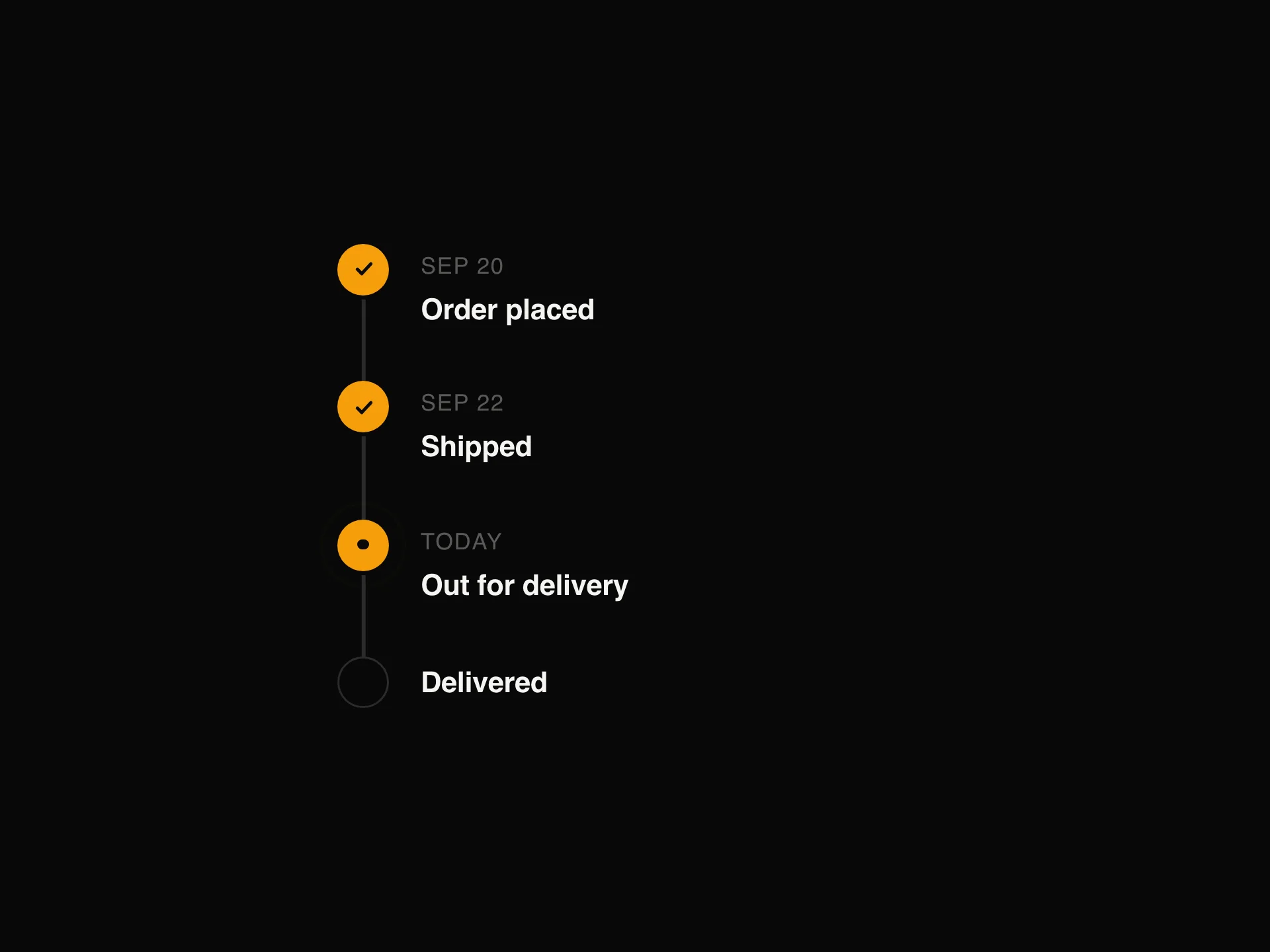
A live status tracker for multi-step processes like deploys, imports and order tracking: each step is done, running, waiting or failed, the connector fills as steps finish, the running step spins and shows its log lines, and screen readers hear every change.
When to use the Vertical Progress Steps component
Use Vertical Progress Steps to show where a running process is: deploys and CI pipelines, data imports, order and shipping tracking, account verification.
For a form wizard people step through, use Stepper; for a history of past events, use Timeline.
Installation
Add the Vertical Progress Steps component to your project with the shadcn CLI. It lands in components/vertical-progress-steps.tsx as plain React + Tailwind CSS source you own and can edit.
npx shadcn@latest add @reactframe/vertical-progress-stepsOr copy the source by hand and install its dependencies:
npm install motion clsx tailwind-mergeProps
<VerticalProgressSteps /> accepts 6 props (required ones are marked *).
| Prop | Type | Default |
|---|---|---|
| steps* | { id: string; title: string; description?: string; status: StepStatus; meta?: string; detail?: React.ReactNode }[] | — |
| size | "sm" | "md" | "md" |
| accentColor Colour of finished steps and the filled connector. | string | — |
| label | string | "Progress" |
| theme | "dark" | "light" | "dark" |
| className | string | — |
- steps*{ id: string; title: string; description?: string; status: StepStatus; meta?: string; detail?: React.ReactNode }[]
- size"sm" | "md"Default: "md"
- accentColor
Colour of finished steps and the filled connector.
string - labelstringDefault: "Progress"
- theme"dark" | "light"Default: "dark"
- classNamestring
FAQ
- Who moves the steps along?
- You do: pass each step's status from your own state or server events and the tracker animates the change (the demo simulates it with timers).
- How is a failure shown?
- Set a step's status to "error": the marker, title and description turn red and its detail (for example a Retry button or the error log) opens under it.
- Is progress announced?
- Yes, a polite live region reads a summary like '2 of 5 steps done, Build in progress' whenever a status changes, and the running step has aria-current="step".