Table of Contents React component
An 'On this page' table of contents for articles and docs: it tracks the section in view, slides a marker along its rail (filling it like reading progress), indents subsections, and smooth-scrolls to a heading on click. Collects headings automatically.
About the Table of Contents component
Table of Contents is a vertical list of a page's headings for a sidebar, with the section you are reading highlighted as you scroll. A short bar slides along the left rail to the current entry, and the rail above it fills like reading progress. Clicking an entry scrolls smoothly to its heading, and subsections are indented under their sections.
Pass items with each heading's id, label and level, or pass contentRef and it collects every h2, h3 and h4 that has an id, updating if the content changes. offset sets where a heading becomes current and where a clicked one lands, which should cover any sticky header. title sets the label above the list (On this page by default), showProgress toggles the filling rail, updateHash writes the section's #id to the address bar, and scrollRef follows a scrolling panel instead of the page.
When to use it
Use Table of Contents beside long pages people scan and jump around in: documentation, guides, legal pages, long blog posts. It shows where the reader is and gets them anywhere in one click.
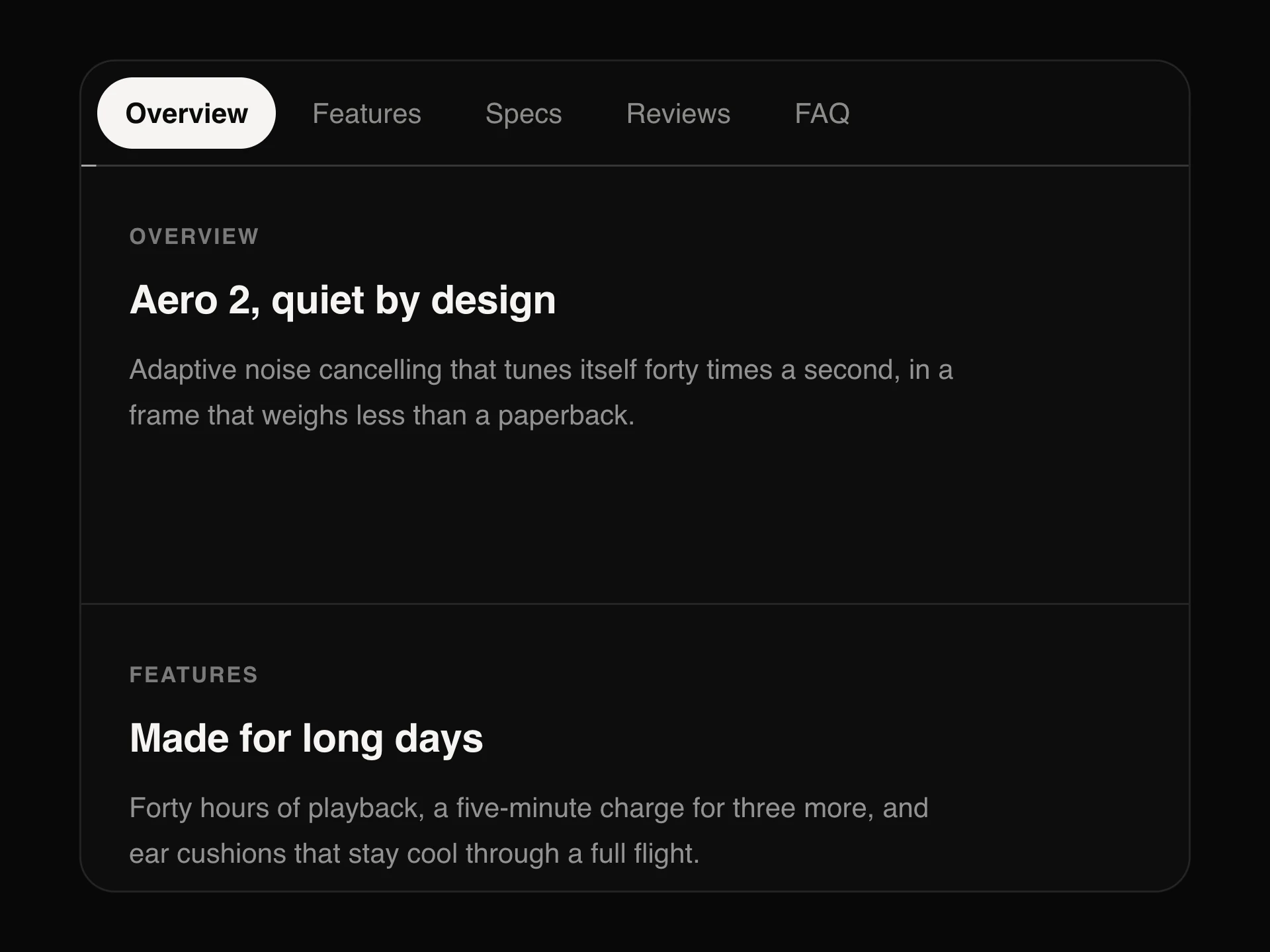
For a short page with a few top-level sections laid out horizontally (a product page's Overview, Specs, Reviews), use Scrollspy Anchor Links instead.
Installation
Add the Table of Contents component to your project with the shadcn CLI. It lands in components/table-of-contents.tsx as plain React + Tailwind CSS source you own and can edit.
npx shadcn@latest add @reactframe/table-of-contentsOr copy the source by hand and install its dependencies:
npm install motion clsx tailwind-mergeProps
<TableOfContents /> accepts 10 props, all optional.
| Prop | Type | Default |
|---|---|---|
| items The entries. Leave out and pass contentRef to collect them from the headings in the content. | { id: string; label: string; level?: number }[] | — |
| contentRef Content to read h2/h3 headings (with ids) from when items isn't given. | React.RefObject<HTMLElement | null> | — |
| scrollRef The element that scrolls; defaults to the page. | React.RefObject<HTMLElement | null> | — |
| offset Distance from the top of the scroll area at which a heading counts as the current one (e.g. a sticky header's height). | number | 24 |
| title | string | "On this page" |
| showProgress Fill the rail from the top down to the current entry, like reading progress. | boolean | true |
| updateHash Write the current section's #id into the address bar when an entry is clicked. | boolean | false |
| size | "sm" | "md" | "lg" | "md" |
| theme | "dark" | "light" | "dark" |
| className | string | — |
- items
The entries. Leave out and pass contentRef to collect them from the headings in the content.
{ id: string; label: string; level?: number }[] - contentRef
Content to read h2/h3 headings (with ids) from when items isn't given.
React.RefObject<HTMLElement | null> - scrollRef
The element that scrolls; defaults to the page.
React.RefObject<HTMLElement | null> - offset
Distance from the top of the scroll area at which a heading counts as the current one (e.g. a sticky header's height).
numberDefault: 24 - titlestringDefault: "On this page"
- showProgress
Fill the rail from the top down to the current entry, like reading progress.
booleanDefault: true - updateHash
Write the current section's #id into the address bar when an entry is clicked.
booleanDefault: false - size"sm" | "md" | "lg"Default: "md"
- theme"dark" | "light"Default: "dark"
- classNamestring
Collections
Use-case pages that compare Table of Contents with the other components that do a similar job.
npm dependencies
Installed for you by the shadcn CLI.
Table of Contents FAQ
- Do I have to list the headings myself?
- No. Pass contentRef and it collects every h2, h3 and h4 that has an id, and updates if the content changes. Pass items if you want to choose the entries or their labels.
- My page has a sticky header. How do I stop headings hiding under it?
- Set offset to the header's height (plus a little breathing room). It's used both for deciding which section is current and for where a clicked heading lands.
- Can it track a scrolling panel instead of the page?
- Yes. Pass scrollRef pointing at the element that scrolls.
- Why does nothing show?
- With contentRef it only picks up headings that have an id, and it renders nothing when it finds none. Give your h2, h3 and h4 elements ids, for example from your Markdown renderer, or pass items yourself.