React Blog Components
ReactFrame has 9 React components for blogs, docs and article pages (6 free): article cards for the blog index, prose styles that make Markdown or CMS content readable, an 'On this page' table of contents, syntax-highlighted code blocks, pull quotes, share buttons and a reading progress bar.
How to choose
- The blog index: blog-card-vertical for a grid, blog-card-horizontal for a list, blog-article-cards for a more editorial look.
- The article body: typography-prose for the text, code-block for snippets, blockquote for quotes.
- Around the article: table-of-contents, scroll-progress-bar and share-buttons.
All 9 components
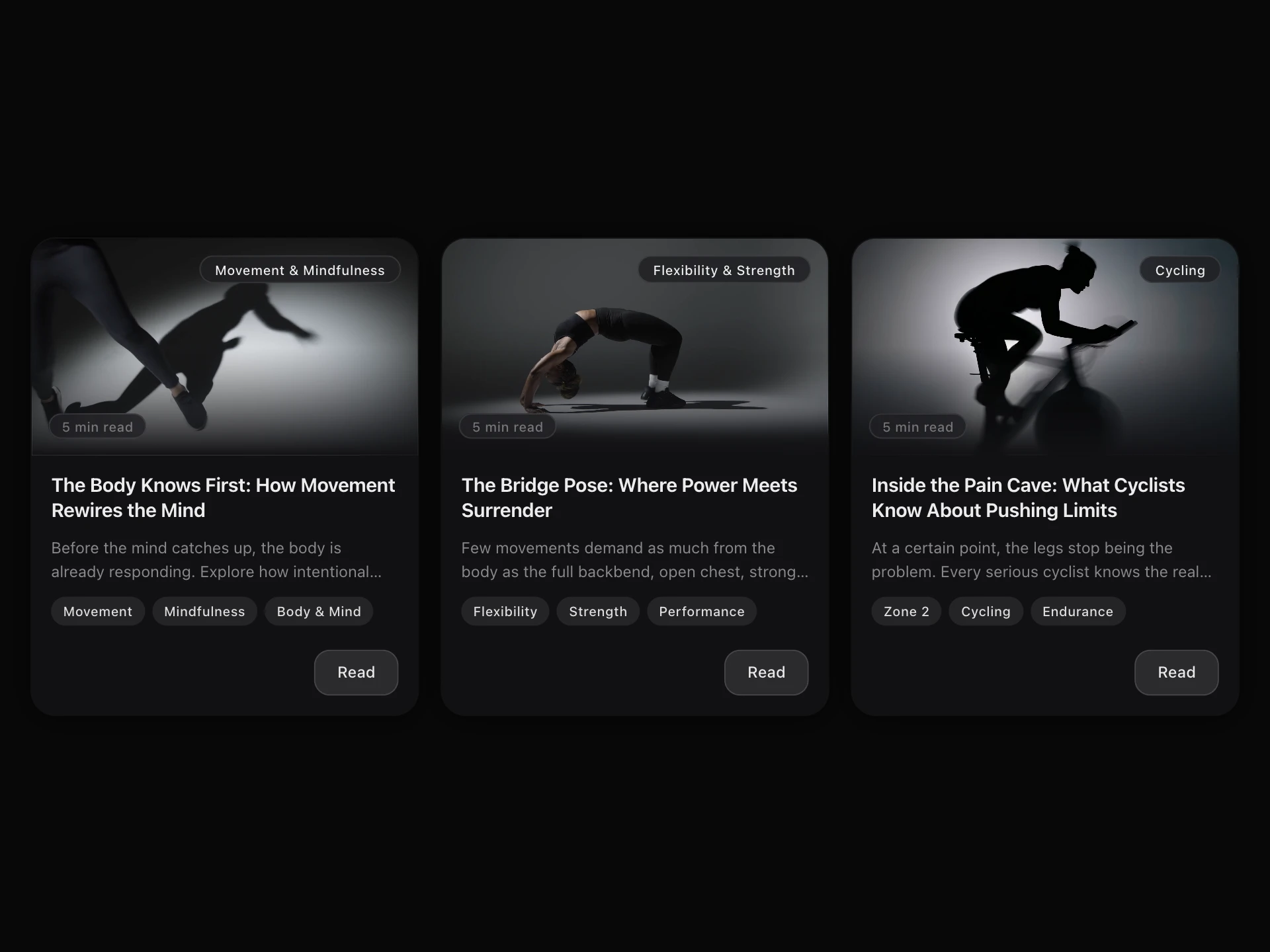
- Blog Card VerticalPremium · $4
- A vertical article card with a configurable image aspect ratio, category and read-time badges, tags, author row, and a themed read button. Dark, light, and glass presets.
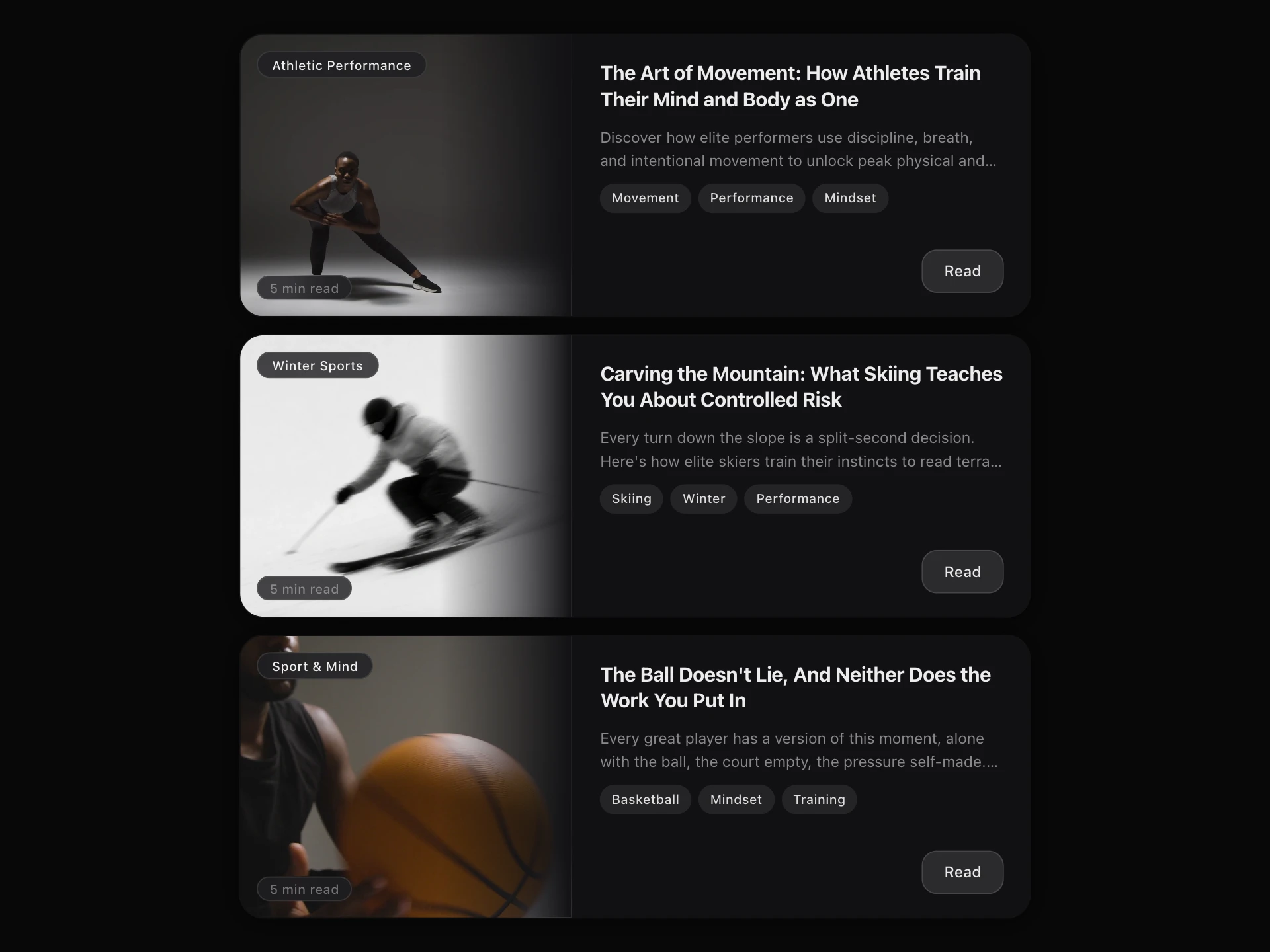
- Blog Card HorizontalPremium · $4
- A horizontal article card, image/video media panel, category and read-time badges, tags, author row, and a themed read button. Dark, light, and glass presets.
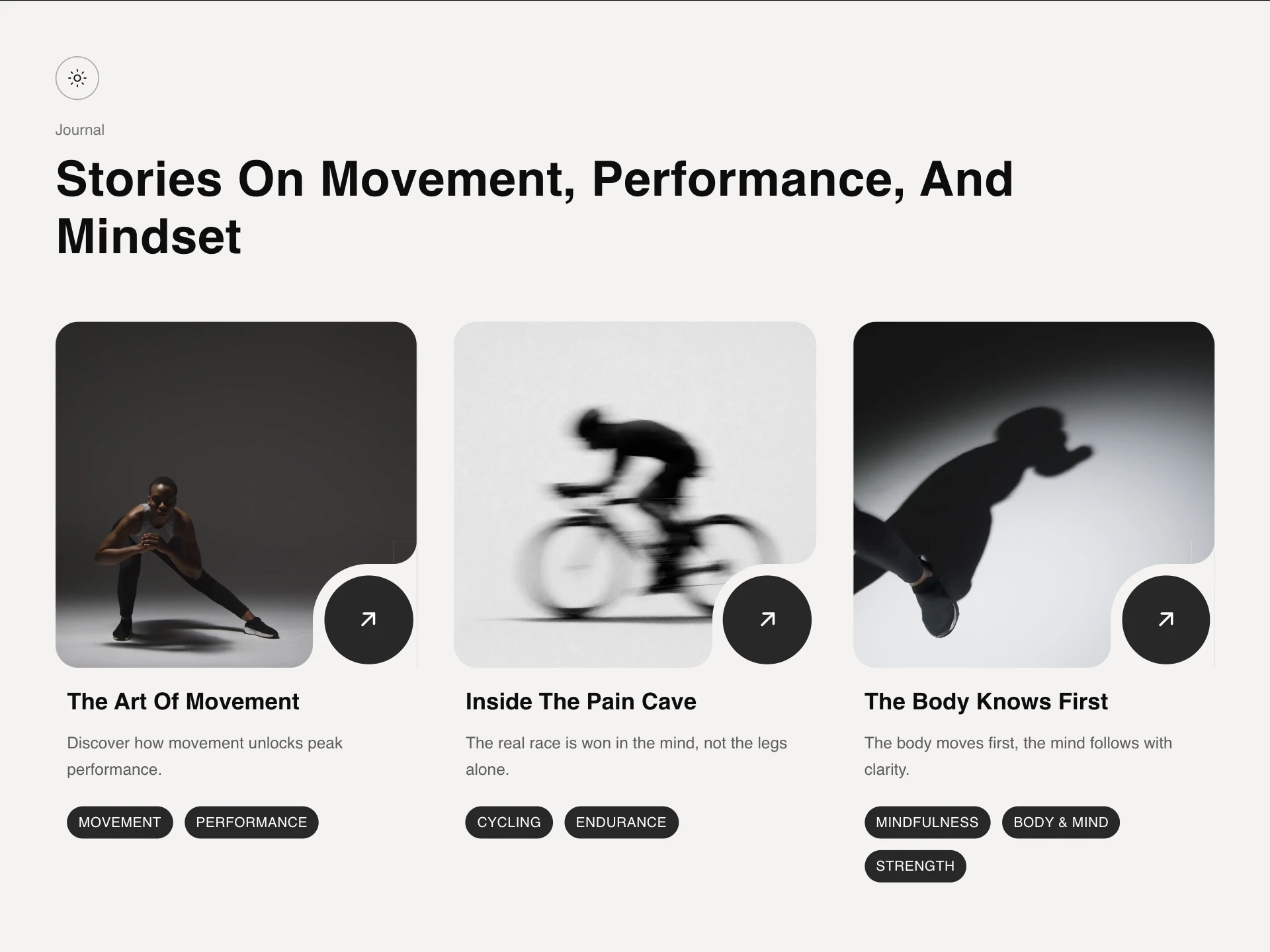
- Blog Article CardsPremium · $4
- A theme-aware blog card grid, each card shows a photo with a quarter-circle notch cut into its corner holding a round arrow-link button, plus up to three colored category tags.
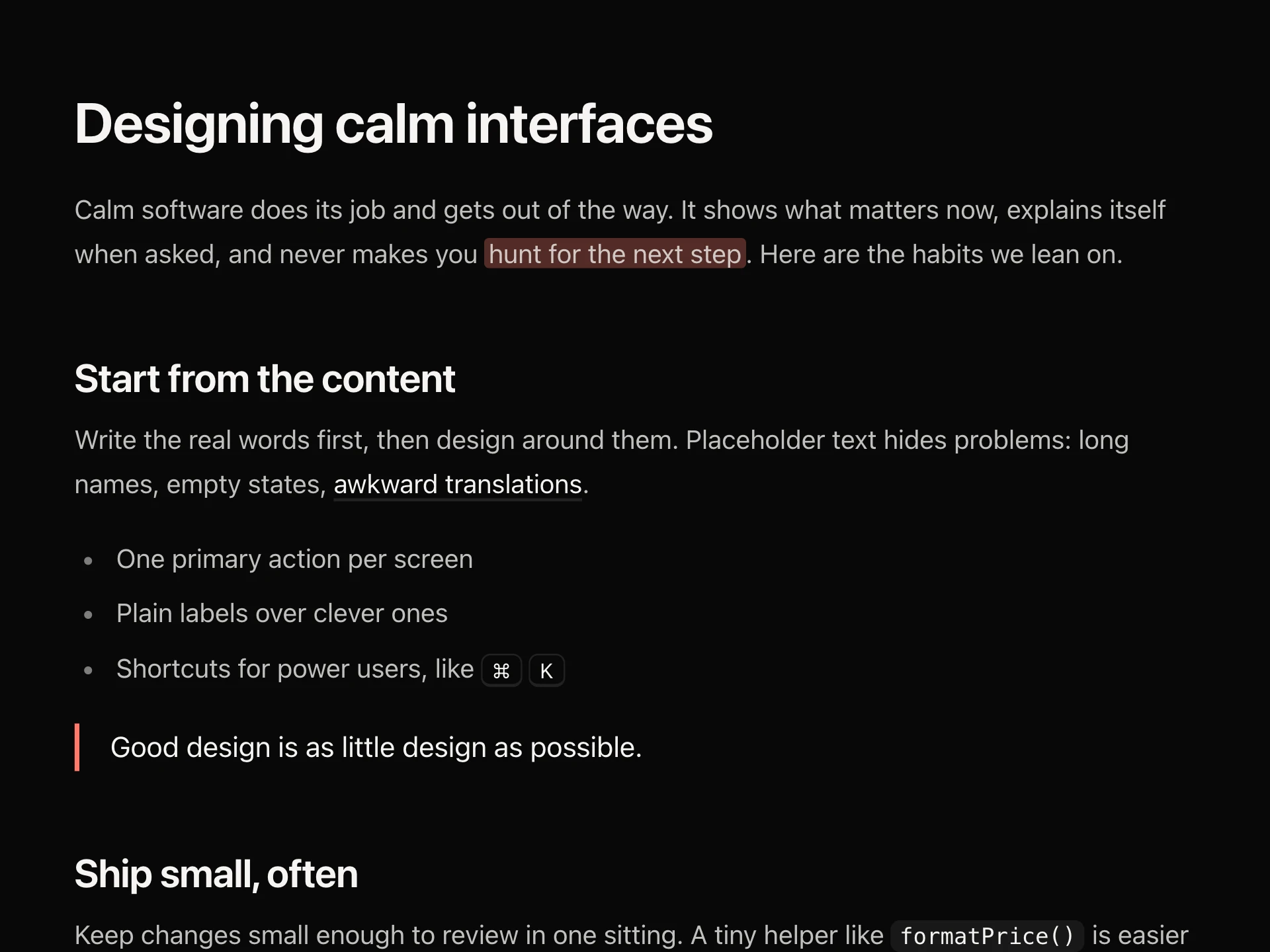
- Typography ProseFree
- Readable styles for rich text from Markdown or a CMS, without a plugin: balanced headings with hover # links, comfortable line length and rhythm, lists, quotes, inline code, code blocks with a Copy button, tables, marks and keys, scoped so they never leak into the rest of the page.
- npx shadcn@latest add https://reactframe.com/r/typography-prose.json
- Code BlockFree
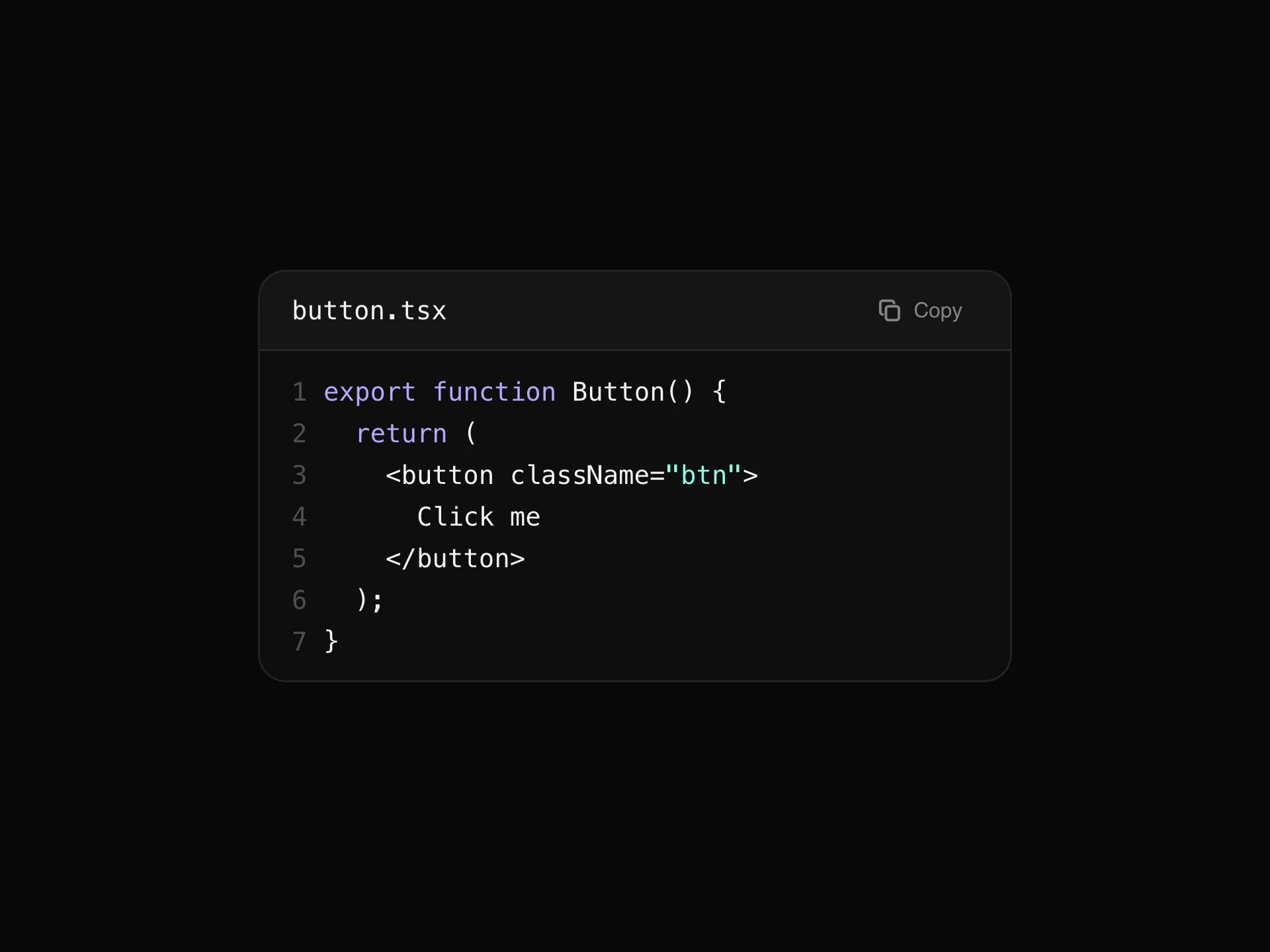
- A syntax-highlighted code block with line numbers, per-line highlighting, a filename/language header, a copy button and a collapsible fade-out for long snippets.
- npx shadcn@latest add https://reactframe.com/r/code-block.json
- BlockquoteFree
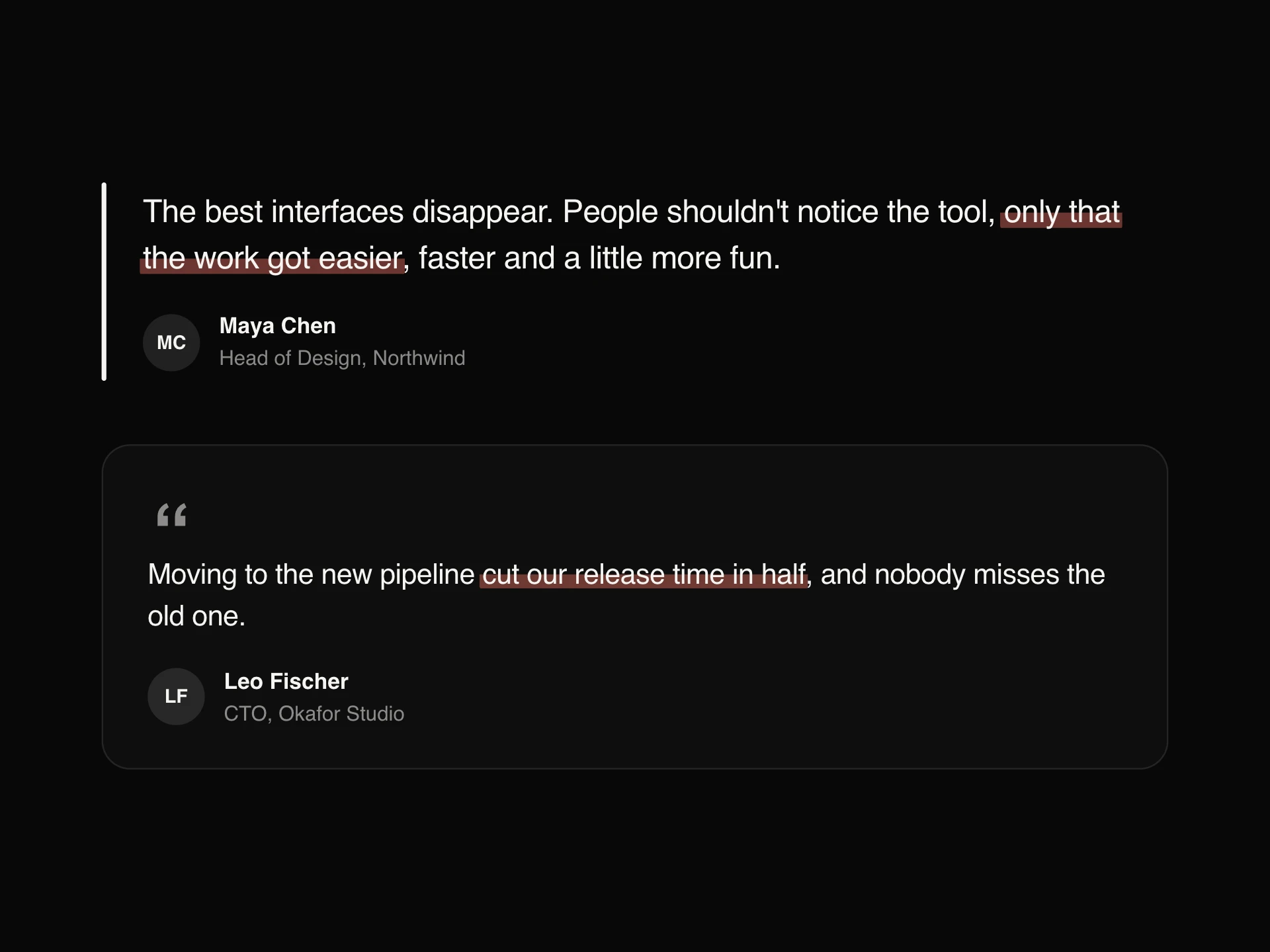
- A quote with its author: a rule on the left, a large quotation mark, a framed card or a big centred pull quote, revealed as it scrolls into view with a highlighter sweeping across the phrase that matters.
- npx shadcn@latest add https://reactframe.com/r/blockquote.json
- Table of ContentsFree
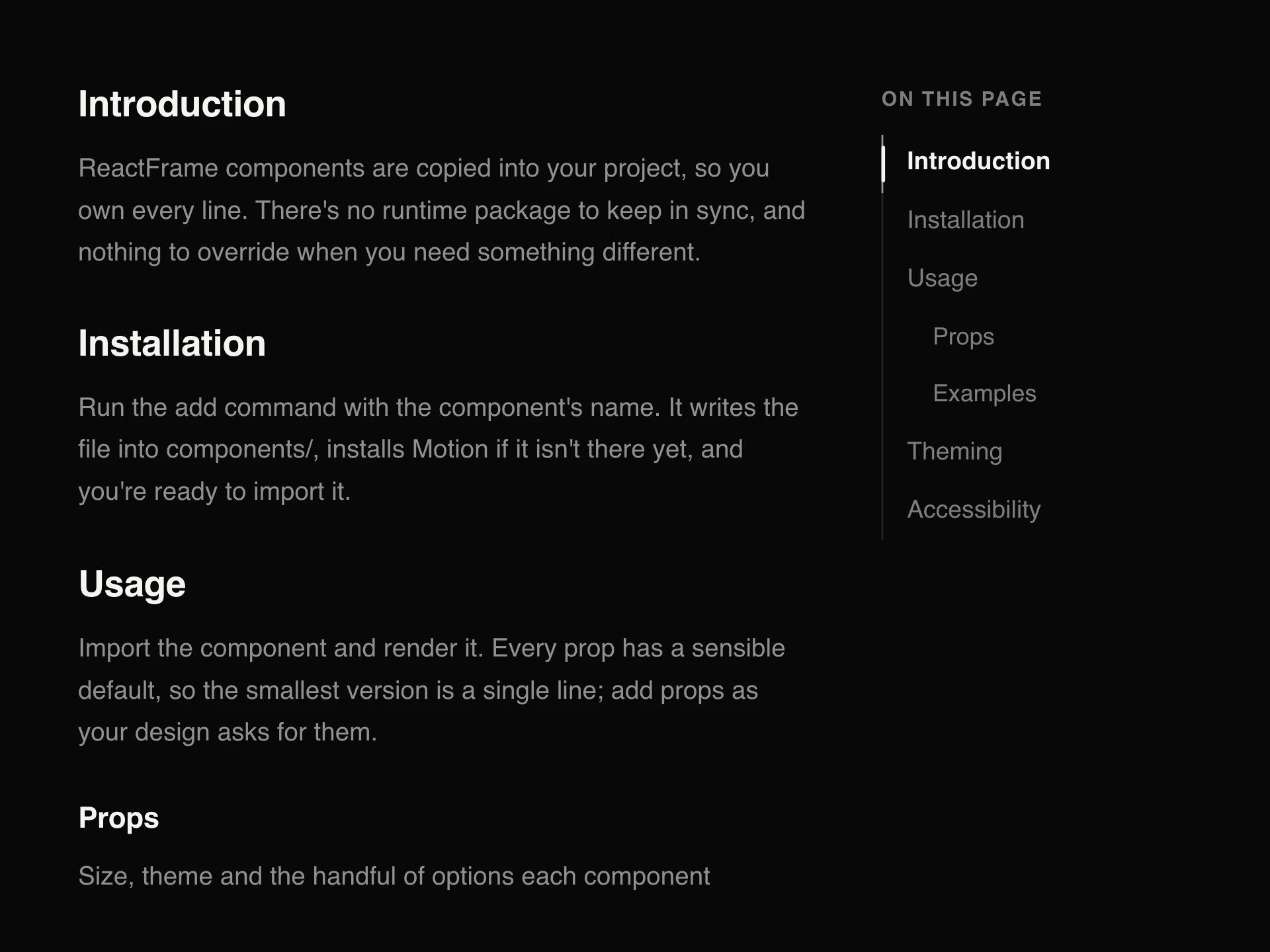
- An 'On this page' table of contents for articles and docs: it tracks the section in view, slides a marker along its rail (filling it like reading progress), indents subsections, and smooth-scrolls to a heading on click. Collects headings automatically.
- npx shadcn@latest add https://reactframe.com/r/table-of-contents.json
- Scroll Progress BarFree
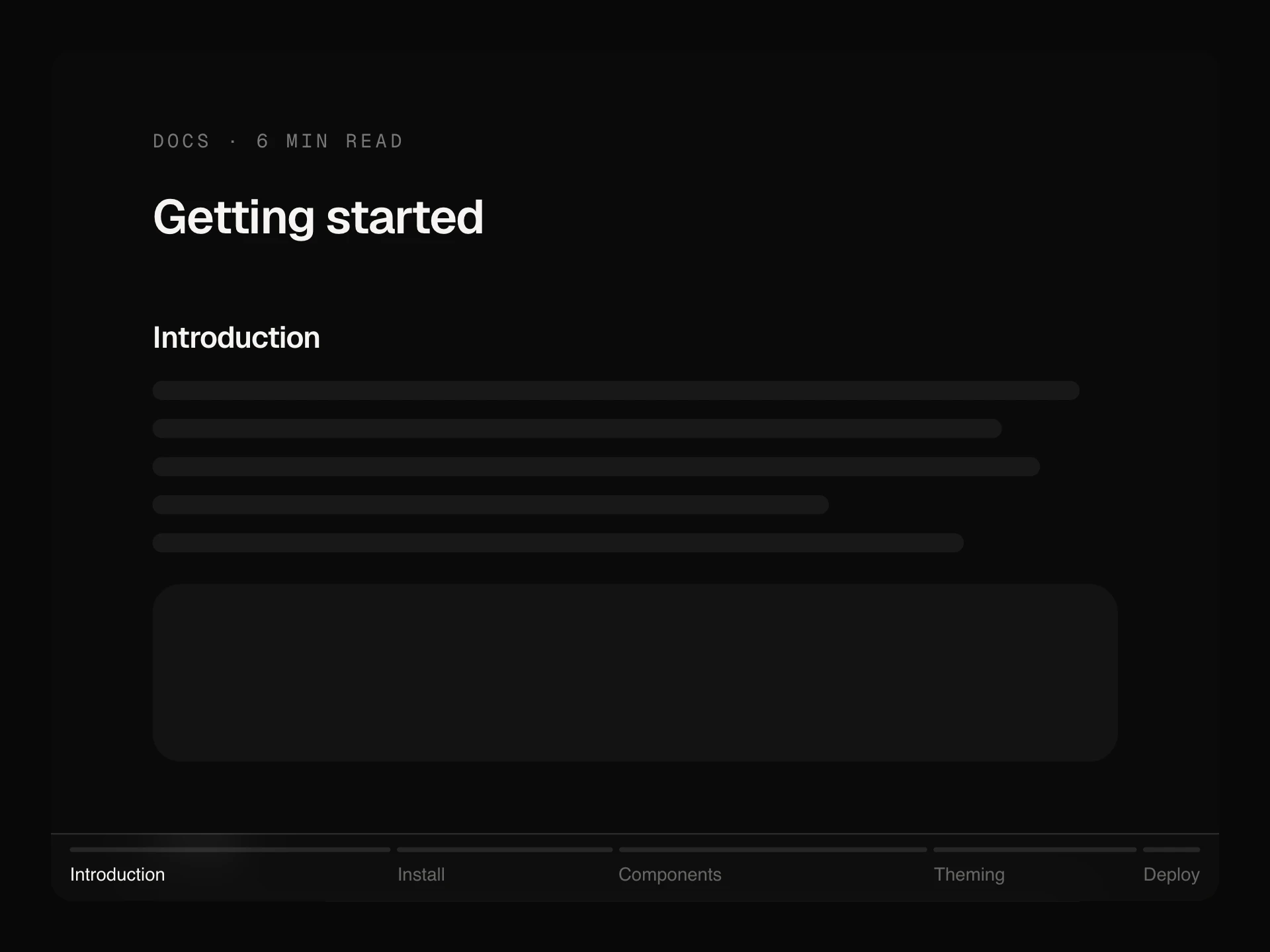
- Reading progress in three forms: a thin spring-smoothed bar, a corner ring with the percentage that becomes a back-to-top button at the end, or a track split into your page's sections that labels the current one and jumps to any other.
- npx shadcn@latest add https://reactframe.com/r/scroll-progress-bar.json
- Share ButtonsFree
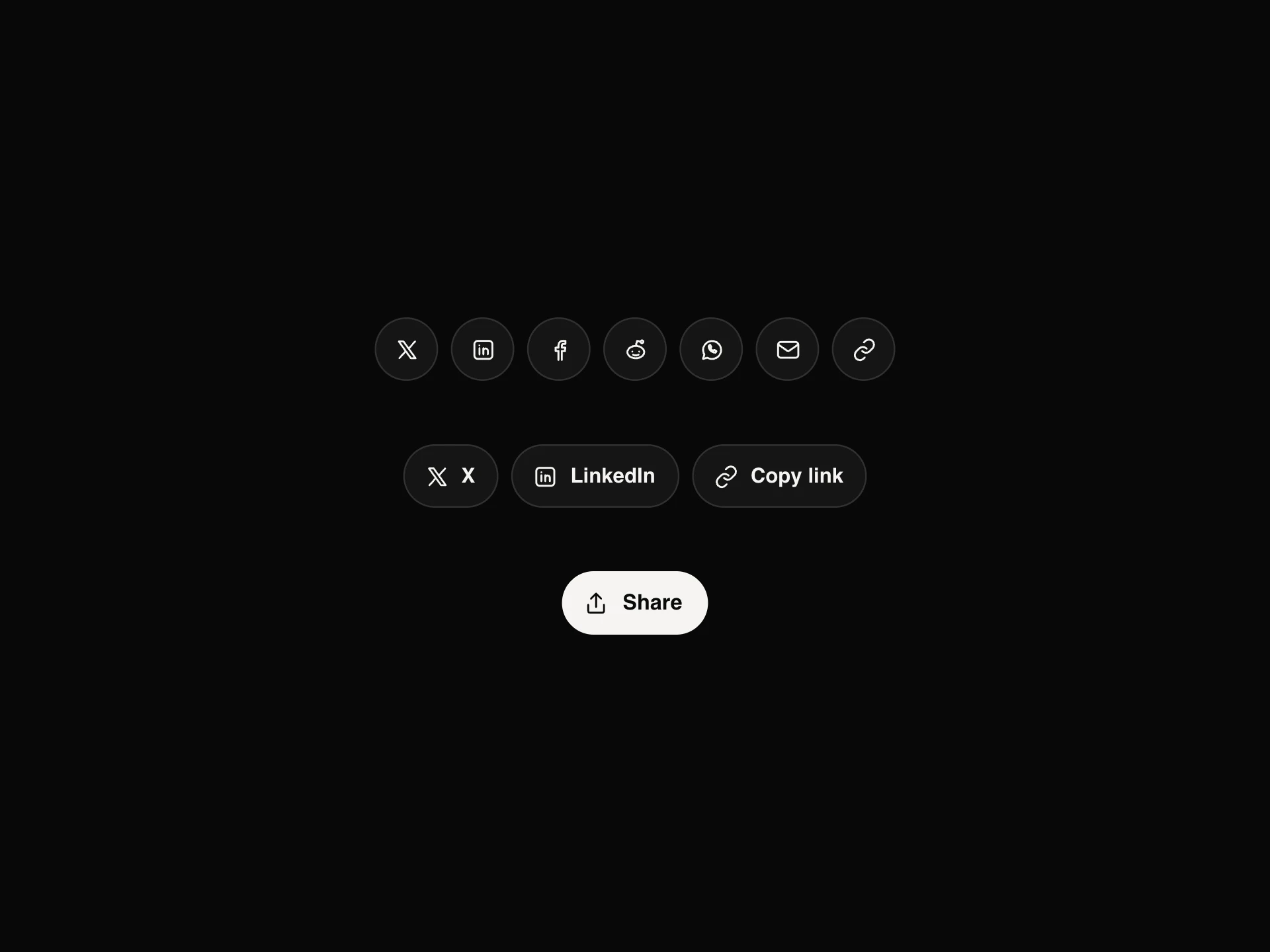
- Share buttons for X, LinkedIn, Facebook, Reddit, WhatsApp and email with a copy-link button that turns into a tick: round icons with hover labels, labelled pills, or a single Share button that fans out into the row, plus the device's own share sheet where it exists.
- npx shadcn@latest add https://reactframe.com/r/share-buttons.json
Questions
- Do I need the Tailwind Typography plugin?
- No. typography-prose styles headings, lists, quotes, tables and inline code on its own; wrap your rendered Markdown or CMS HTML in it.
- Are these components free?
- 6 of the 9 are free (Typography Prose, Code Block, Blockquote, Table of Contents, Scroll Progress Bar, Share Buttons); the others are premium, sold one by one or all together with All-Access.
- How do I install them?
- Free components install with the shadcn CLI, for example: npx shadcn@latest add @reactframe/<slug>. You get the full React + Tailwind source in your project, with Motion as the only animation dependency.
Related collections
Want a whole page built from these? Ask your AI to build it with ReactFrame.