Share Buttons React component
Share buttons for X, LinkedIn, Facebook, Reddit, WhatsApp and email with a copy-link button that turns into a tick: round icons with hover labels, labelled pills, or a single Share button that fans out into the row, plus the device's own share sheet where it exists.
When to use the Share Buttons component
Use Share Buttons at the end of articles, on product pages and after sign-up or purchase moments, where people are most likely to pass a page on.
Keep the list short (three or four networks your audience actually uses) and include copy link; on phones add native to open the system share sheet.
Installation
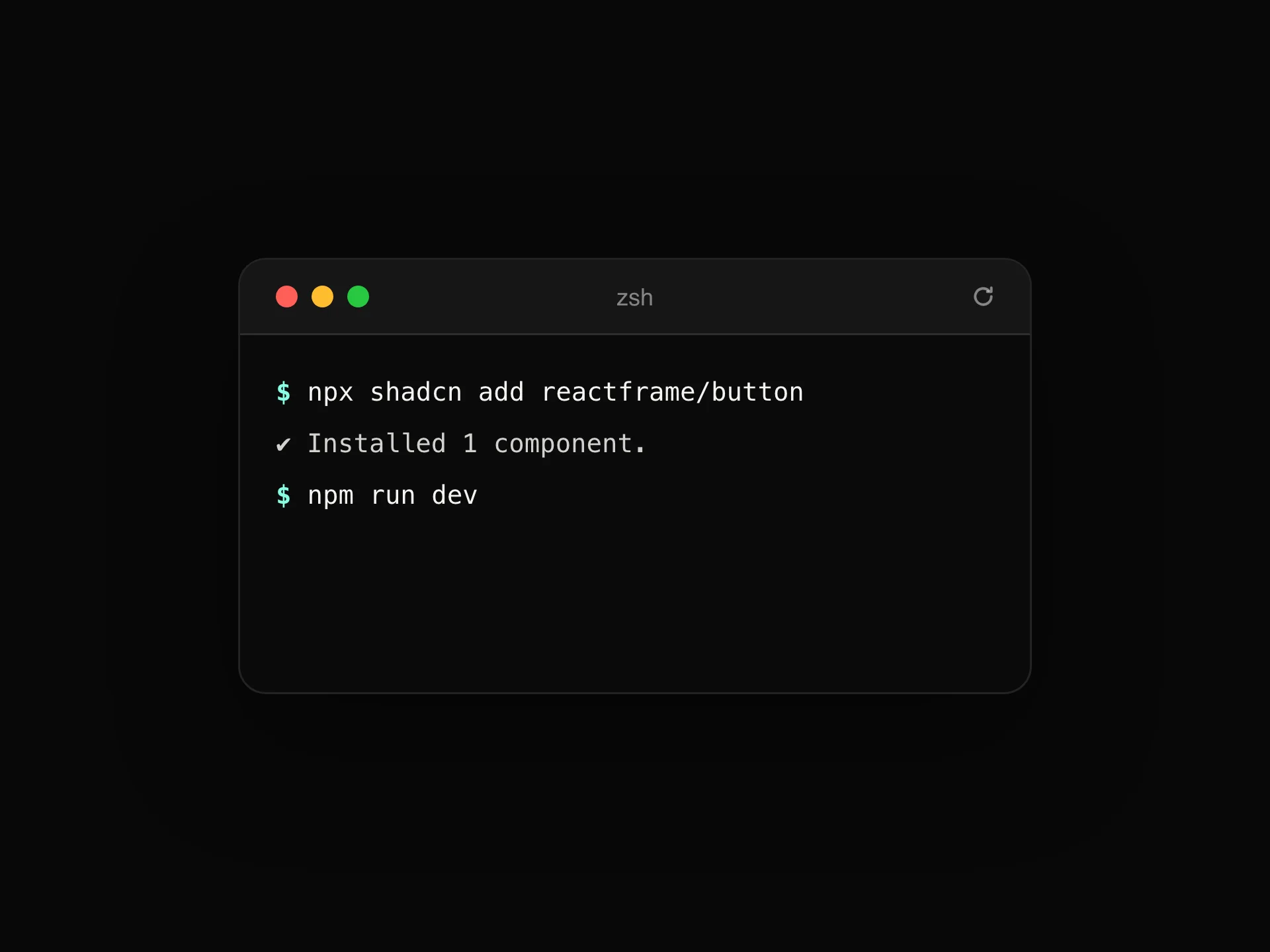
Add the Share Buttons component to your project with the shadcn CLI. It lands in components/share-buttons.tsx as plain React + Tailwind CSS source you own and can edit.
npx shadcn@latest add https://reactframe.com/r/share-buttons.jsonOr copy the source by hand and install its dependencies:
npm install motion clsx tailwind-mergeProps
<ShareButtons /> accepts 8 props, all optional.
| Prop | Type | Default |
|---|---|---|
| url | string | "https://reactframe.com/elements" |
| title | string | "React Frame · Elements" |
| text Extra text for networks that take it (X, WhatsApp, email body). | string | "Animated React elements you can copy in seconds." |
| networks | ("x" | "linkedin" | "facebook" | "reddit" | "whatsapp" | "email" | "copy" | "native")[] | ["x", "linkedin", "facebook", "reddit", "whatsapp", "email", "copy"] |
| variant icons: round buttons with a hover label. pills: icon and label. expand: one Share button that opens into the row. | "icons" | "pills" | "expand" | "icons" |
| onShare | (network: ShareNetwork) => void | — |
| theme | "dark" | "light" | "dark" |
| className | string | — |
- urlstringDefault: "https://reactframe.com/elements"
- titlestringDefault: "React Frame · Elements"
- text
Extra text for networks that take it (X, WhatsApp, email body).
stringDefault: "Animated React elements you can copy in seconds." - networks("x" | "linkedin" | "facebook" | "reddit" | "whatsapp" | "email" | "copy" | "native")[]Default: ["x", "linkedin", "facebook", "reddit", "whatsapp", "email", "copy"]
- variant
icons: round buttons with a hover label. pills: icon and label. expand: one Share button that opens into the row.
"icons" | "pills" | "expand"Default: "icons" - onShare(network: ShareNetwork) => void
- theme"dark" | "light"Default: "dark"
- classNamestring
FAQ
- Do these load third-party scripts?
- No. Each button is a plain link to the network's share page with your URL and text filled in, so nothing tracks visitors until they click.
- What does 'native' do?
- It opens the device's own share sheet (messages, notes, AirDrop and so on). It only appears in browsers that support it.
- Can I record shares?
- Pass onShare; it's called with the network name for every click, before the share page opens.