Image Color Picker
Pick colors from any image and extract its palette as HEX, HSL and the nearest Tailwind colors. Copy CSS variables or a Tailwind theme. Nothing is uploaded.
1 · Image
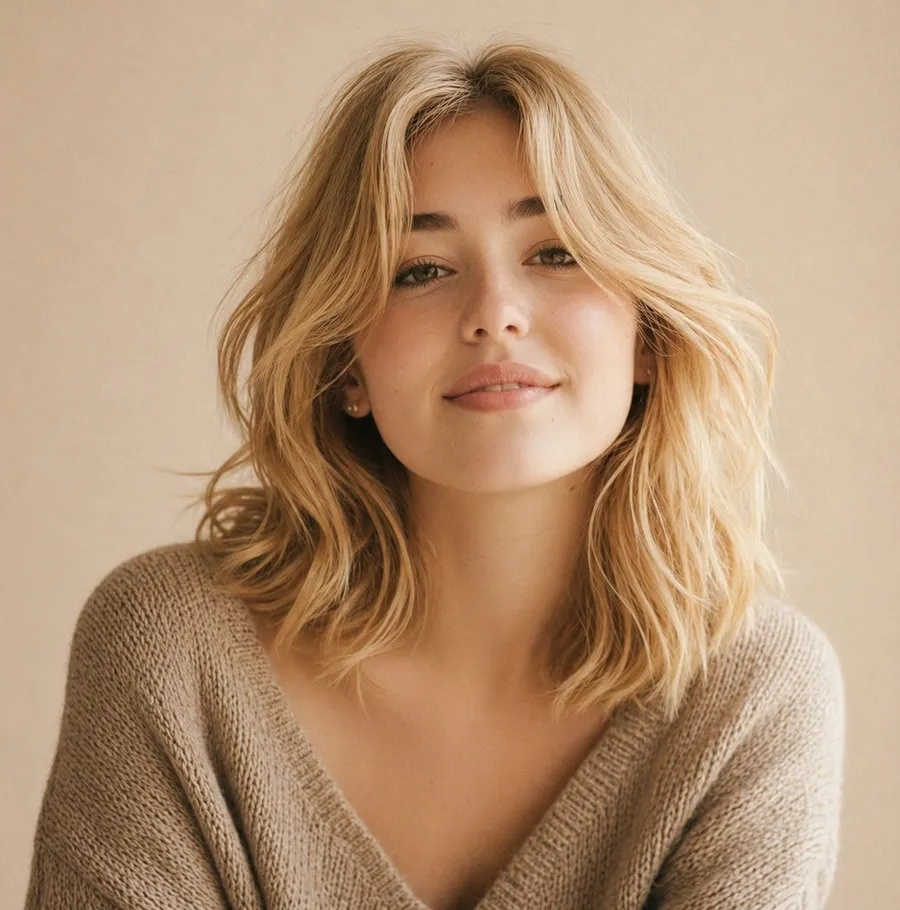
Click anywhere on the image to pick that exact pixel.
2 · Palette
Click a color to copy its hex code.
Code
:root {

}About the Image Color Picker
Image Color Picker extracts the main colors from a photo, screenshot or logo, shows how much of the image each one covers, and names the nearest Tailwind color. Click the image to pick any single pixel.
When to use it
Use it to build a palette from a photo or brand asset, to match a website to a product shot, or to find the exact color of something in a screenshot.
How to use the Image Color Picker
- 1Drop an image, click to choose one, or paste it with Cmd/Ctrl + V. A sample photo loads first.
- 2Choose how many colors to extract and whether to sort them by how much they're used or from light to dark.
- 3Click a color to copy its hex code, or click anywhere on the image to pick that exact pixel.
- 4Copy the palette as CSS variables, a Tailwind v4 theme or JSON.
Image Color Picker FAQ
- How does it find the main colors?
- It shrinks the image, groups similar pixels with k-means clustering in OKLab (a color space that matches how people see color), and shows each group's average color with how much of the image it covers.
- Can I pick one exact color from the image?
- Yes. Click anywhere on the image and the tool reads that pixel, shows its hex code and the nearest Tailwind color, and lets you copy it.
- Is my image uploaded?
- No. Everything runs in your browser, so your image never leaves your device.
- Can I use the palette in Tailwind CSS?
- Yes. The Tailwind v4 tab gives you an @theme block in oklch, and every color also shows the closest color from the default Tailwind palette.
More free tools
All tools →PNG & JPG to WebP
Shrink images to WebP in your browser, nothing uploaded.
Image Compressor & Resizer
Smaller JPG, PNG and WebP, resized for any platform.
Background Remover
Free AI cutouts on your device. No uploads, no limits.
Placeholder Image Generator
Placeholder images in any size, straight from a URL.
Mockup Generator
Screenshots in browser or phone frames on a gradient.
Code to Image
Beautiful code screenshots with syntax themes.